MRX920/MTX950 User’s Manual 5-1
Chapter 5 Closing the MRX920 Unit
Preparing to Remove the MRX920 Unit
Follow this procedure to close up the MRX920 unit, and
prepare it for removal from the vehicle.
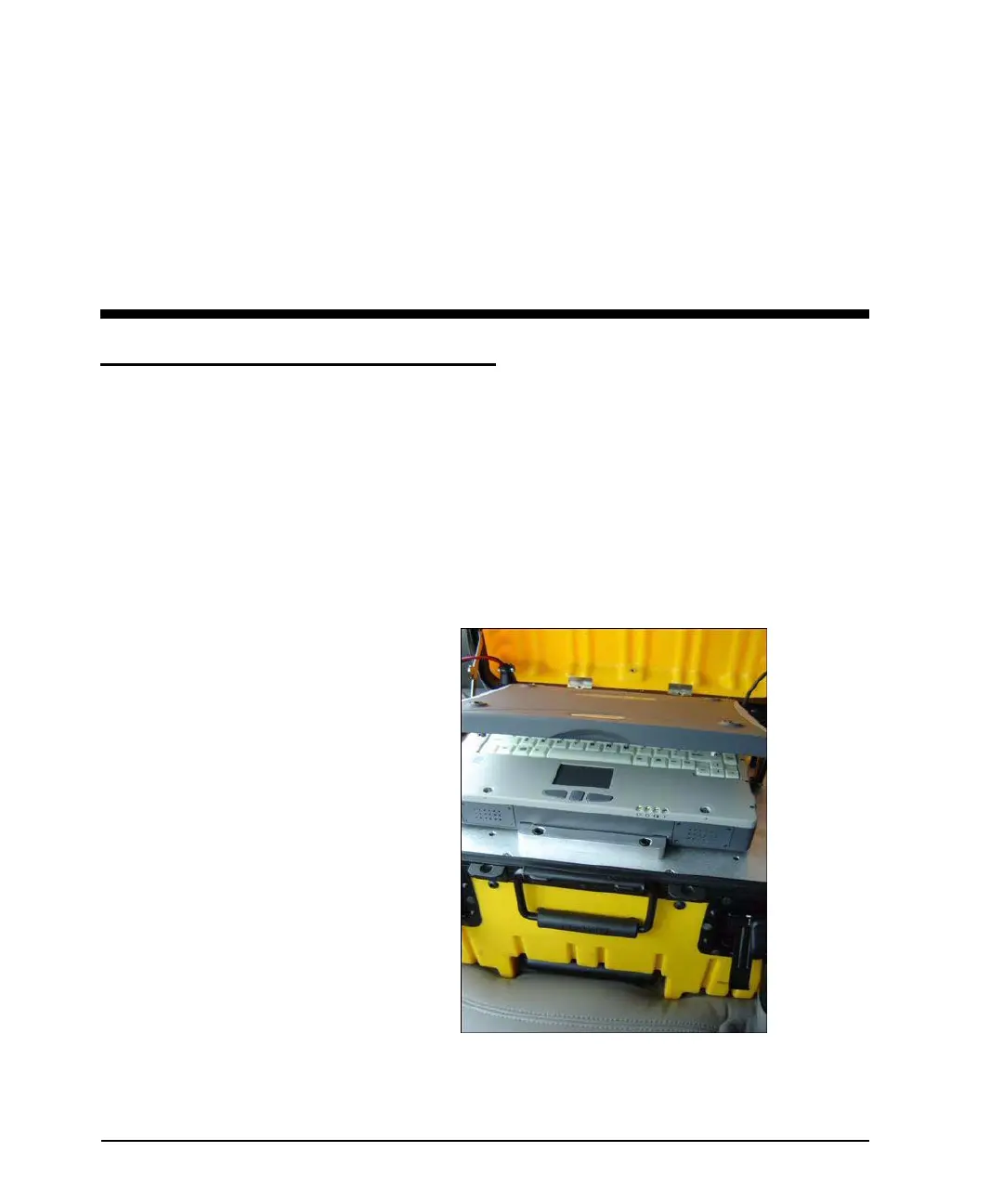
1 With the laptop computer turned off, close the laptop display.
2 Remove the power cable from the vehicle power supply
receptacle.
3 Remove the antenna from the vehicle roof.
4 Remove the antenna cable from the MRX920 unit.
Figure 5.1 Laptop Prepared for Closing



 To Next Page