MRX920 Overview
2-12 MRX920/MTX950 User’s Manual
Viewing MIU Details
It is possible to view the details of a specific MIU from either the
Missed Reads or Captured Reads screen. The software allows you
to immediately identify the type of MIU by looking at the icons to
the left of each MIU in the information field.
Use the following procedure to access more detailed information
on a specific MIU.
1 Select the specific MIU by touching the screen with the stylus
or by using the or the keys.
2 Press the MIU Details button.
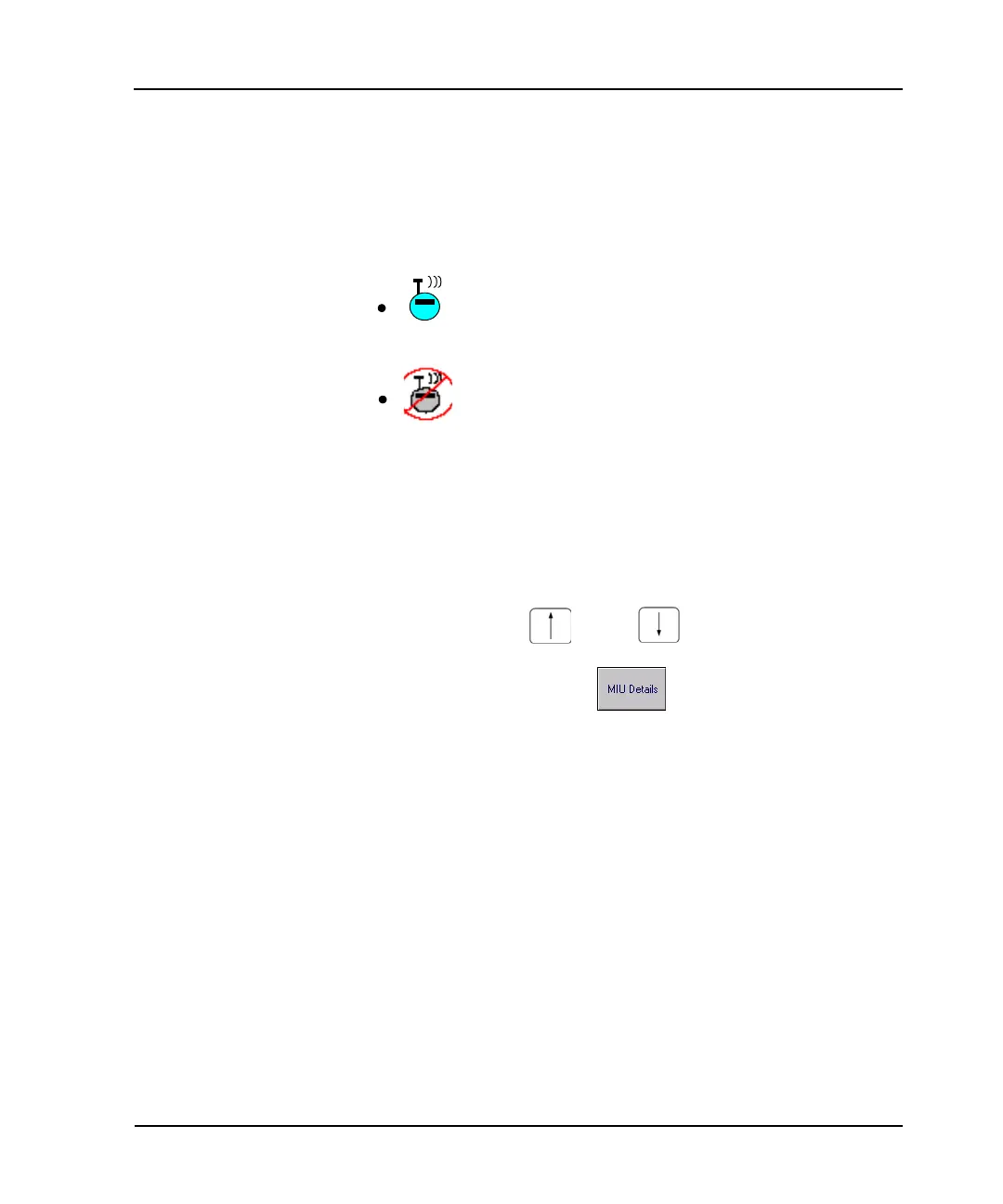
— The blue MIU icon represents a R900 RF
transmitter.
The gray MIU icon with red circle around it and a
red diagonal line through it represents an inactive
meter. An “I” displays on the MIU Details screen in
the Account Status field.



 To Next Page