MRX920 Overview
MRX920/MTX950 User’s Manual 2-5
Navigation
All MRX920 functions are performed in one of two ways:
•Using the
TAB key or the arrow
keys to move the focus to the appropriate button and pressing
ENTER.
• Using the provided stylus to touch the selections available on
the laptop display.
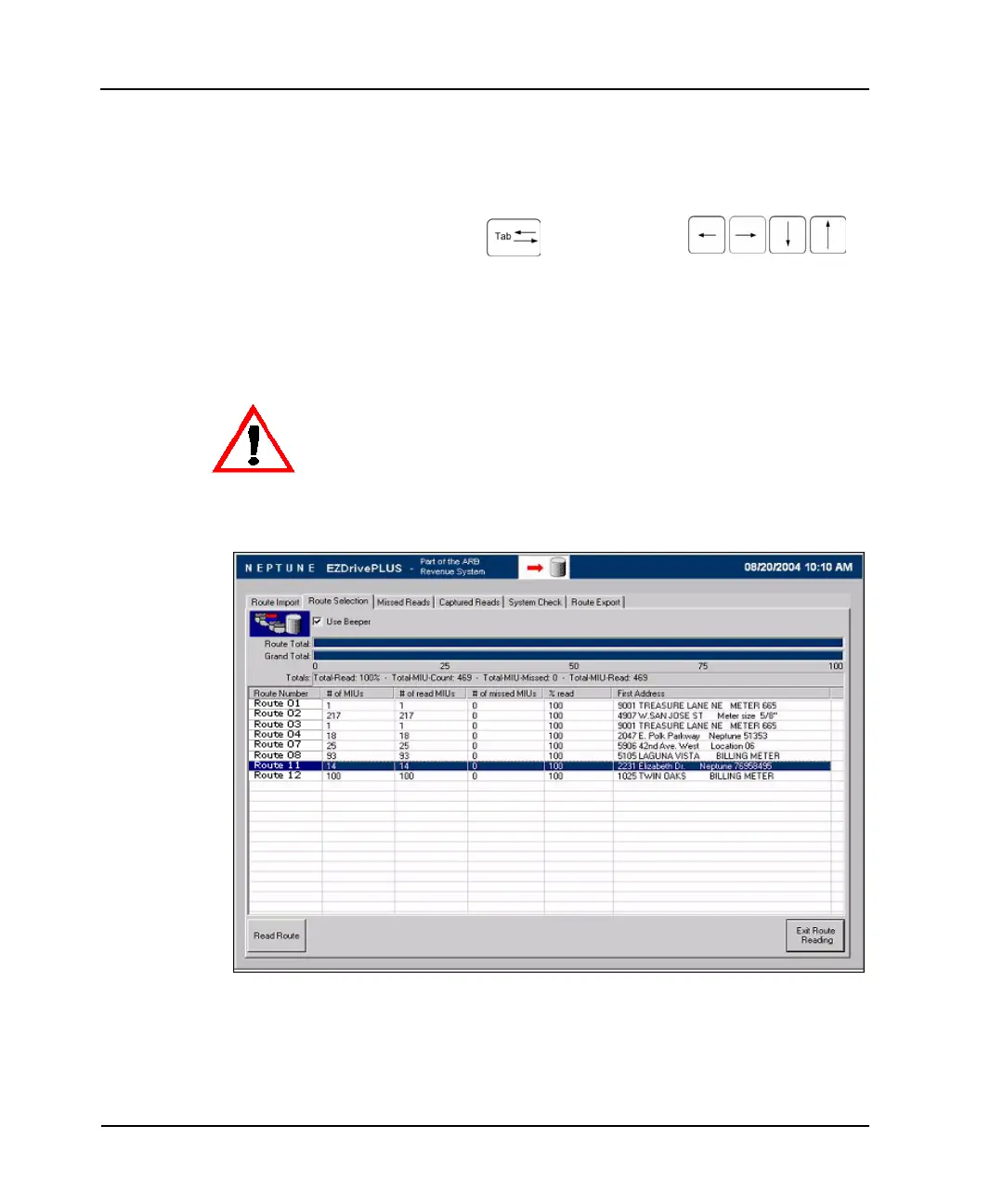
Figure 2.4 Navigating Within the Software
For example, Figure 2.4 shows the Route Import screen with
a route highlighted.
Always use the stylus provided with the laptop to touch the display. Substituting a
hard or sharp item can damage the display.



 To Next Page