Using the MRX920 Unit
MRX920/MTX950 User’s Manual 4-7
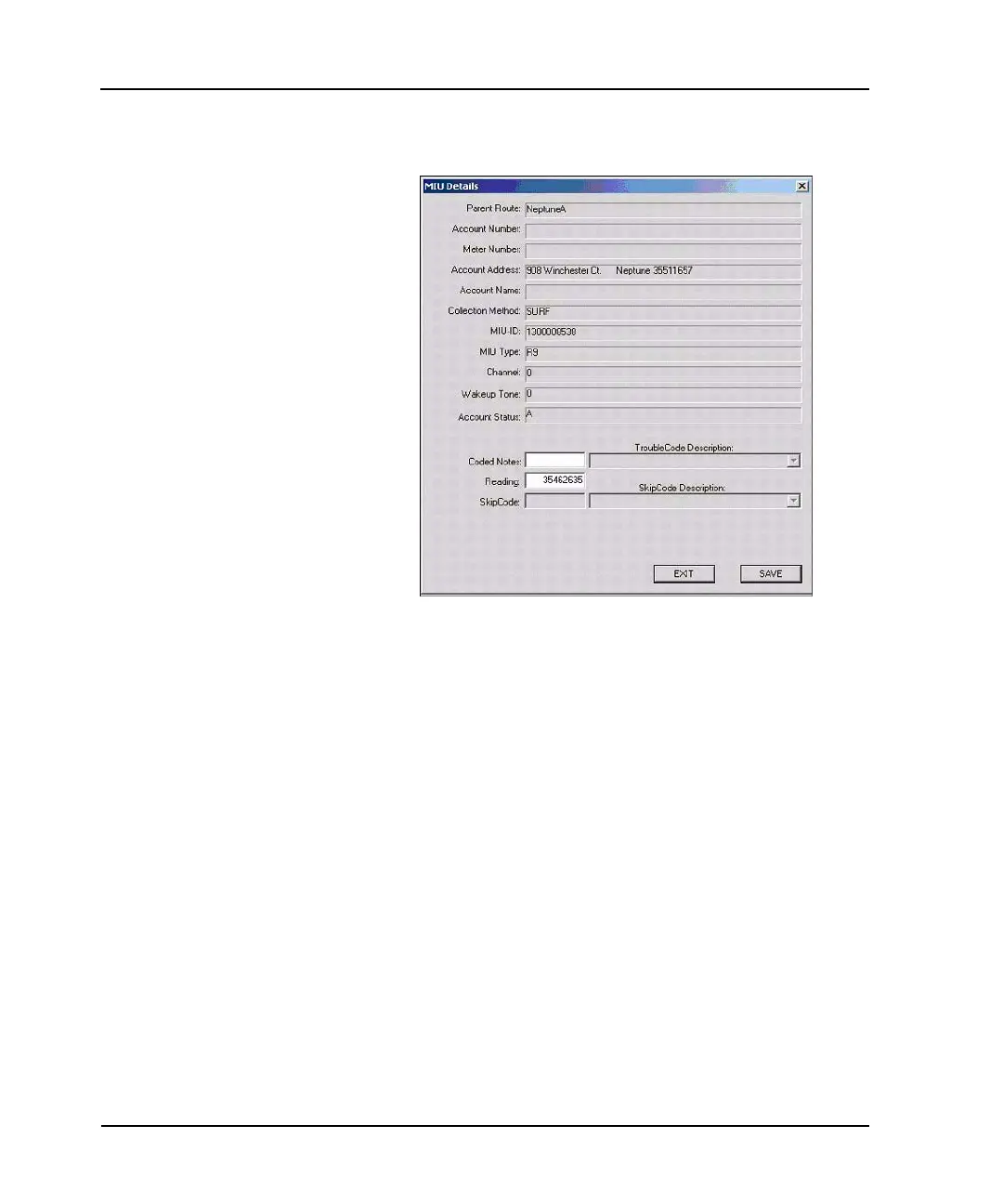
The MIU Details dialog, shown in Figure 4.5, appears.
Figure 4.5 MIU Details Dialog
6 Go to the procedure “Starting Meter Reads,” on page 4-10 to
begin reading the route.
Detail Settings
When viewing route information in the software, you can view the
details of a specific account. Account details consist of the
following:
• Parent Route • Account Number
• Meter Number • Account Address
• Account Name • Collection Method
•MIU-ID •MIU Type
• Channel • Wakeup Tone



 To Next Page