Setting Up the MRX920 Unit
3-4 MRX920/MTX950 User’s Manual
Opening Carrying Case Cover
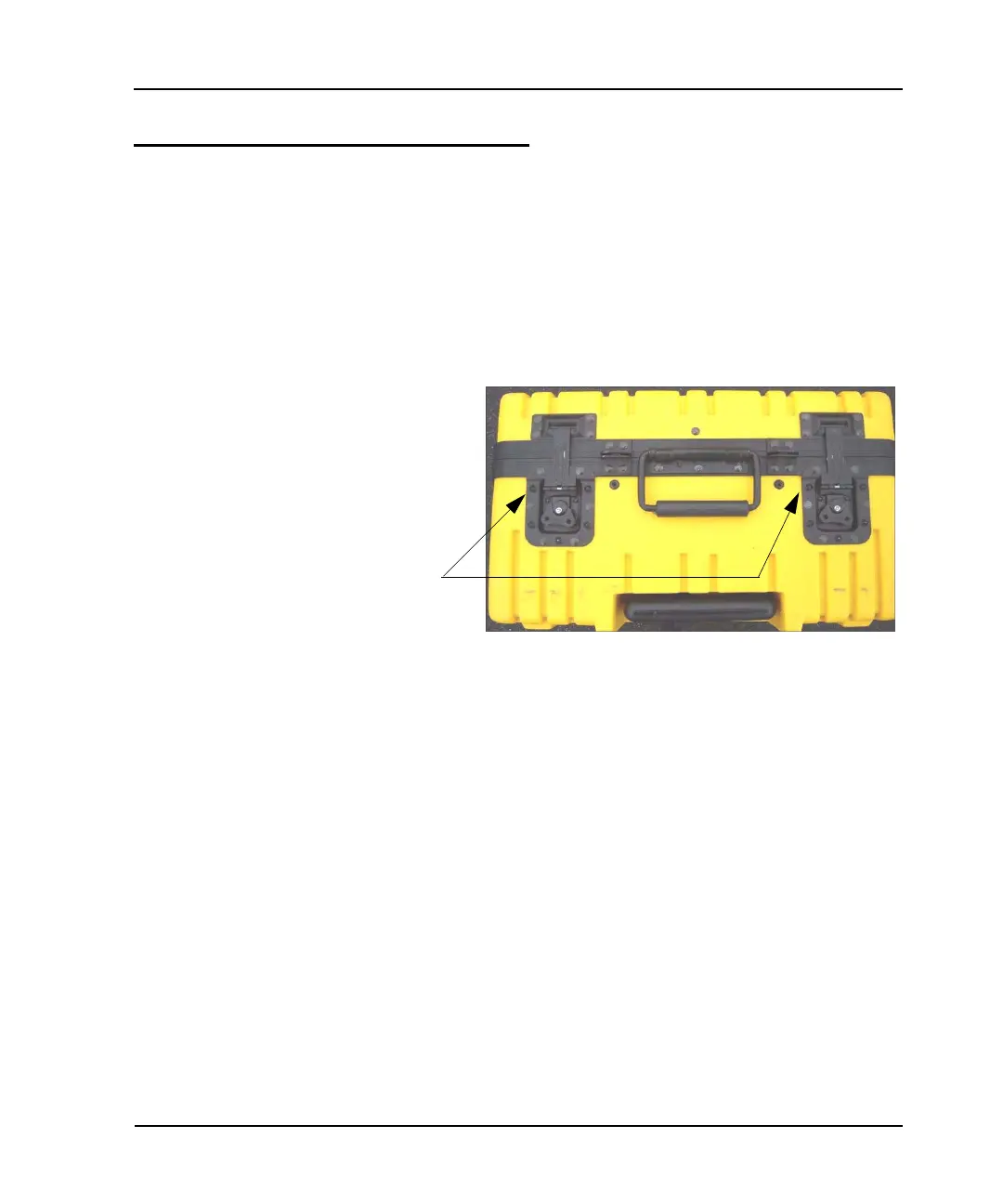
To set up the MRX920 unit in a vehicle, you must open the top
cover by opening the latches on the cover. See Figure 3.4.
Follow this procedure to open the latches on MRX920 unit, shown
in Figure 3.4, and open the carrying case top.
1 Lift the latch flap and turn it to the left.
The latch releases from the catch on the carrying case top.
Figure 3.4 Latches on MRX920 Carrying Case
2 Repeat step 1 for the other latch.
3 Open the cover until it locks in place. (See Figure 3.5.)
Latches



 To Next Page