Using the MRX920 Unit
4-20 MRX920/MTX950 User’s Manual
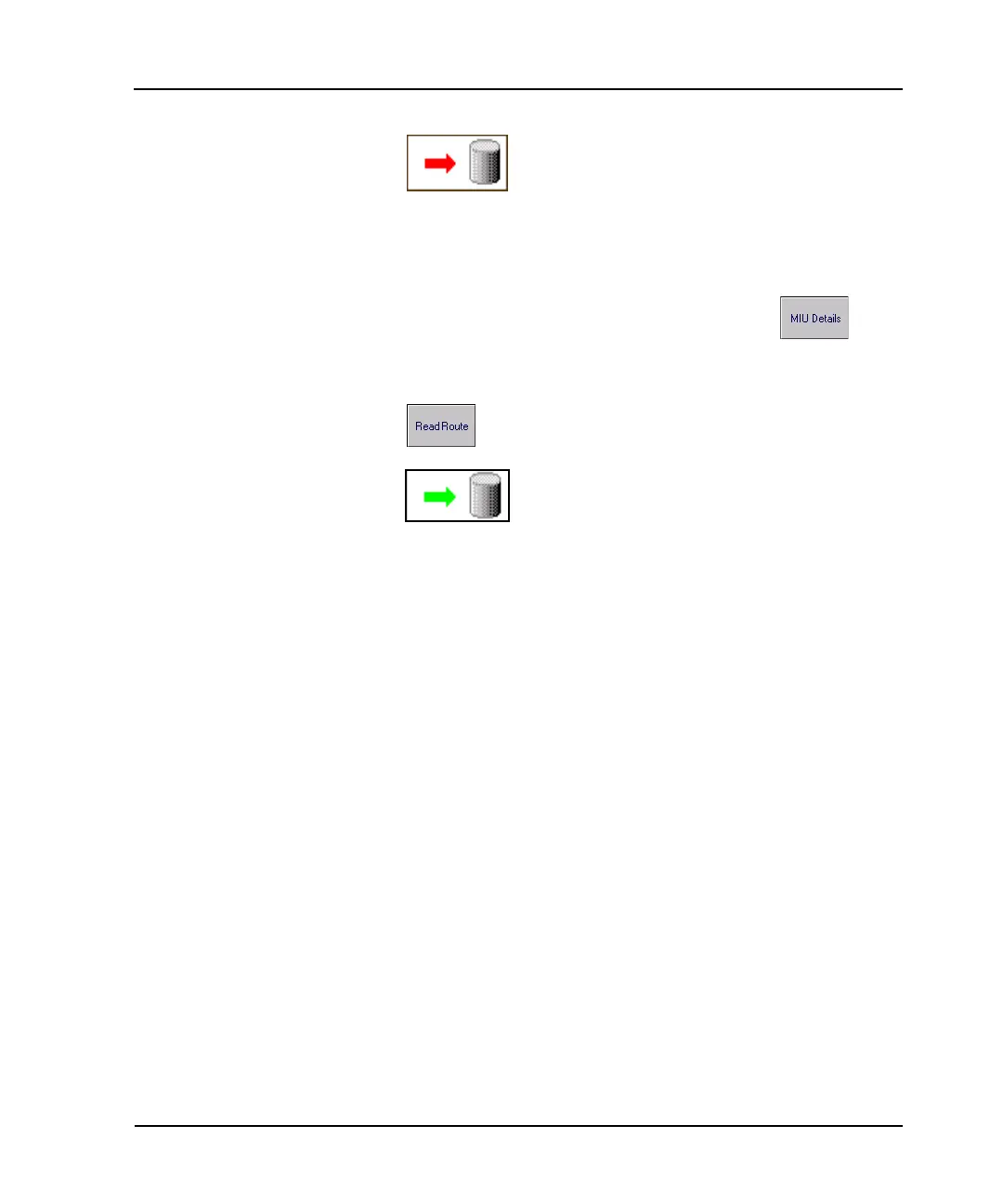
The Reading indicator stops displaying the
pulsing green arrow. When you press the
Pause Route button, the red arrow displays.
2 To review account information before restarting, select either
the Missed Reads or Captured Reads screen, depending on
whether or not the account has already been read.
3 Select an account and press the MIU Details
button.
4 To resume automatic reading, press the Read Route
button.
Reading continues and the Reading indicator
switches back to a status of “Reading”.



 To Next Page