Doc. Name: NMC-PRO
Installation Manual Revision: 2 Page: 20
Crop Management Technologies
5. Press Enter and perform a Cold Start.
COLD START
NOTE: To perform a cold start or firmware upgrade, controller must be in Technician mode
(refer to User Level Access).
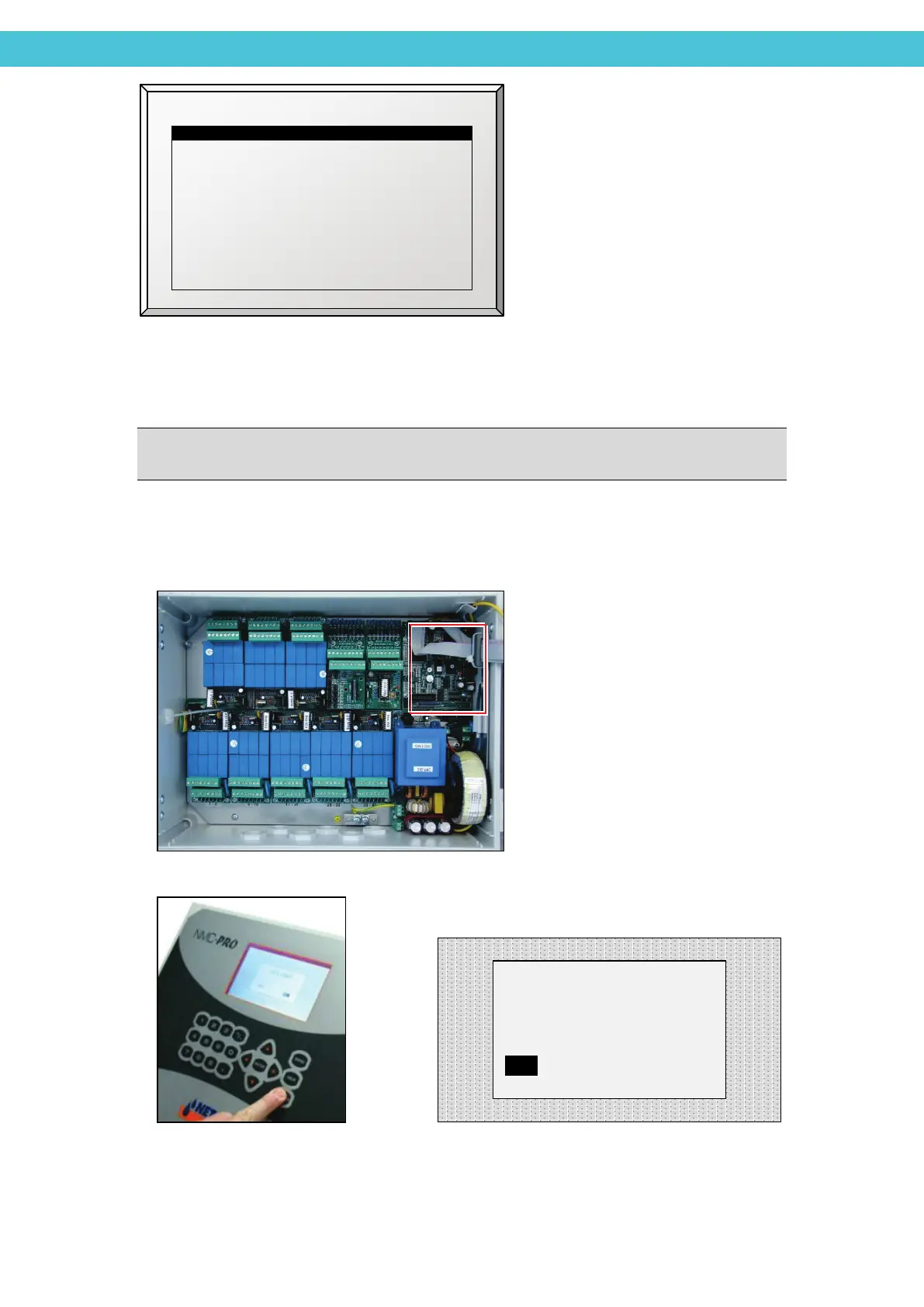
Press the RED RESET button on the CPU card, and immediately after, press and
hold the DELETE key on the controller until the following screen appears:
Select YES (using arrow keys) and press
the ENTER key to run the COLD START
New Software Version
New Software Found
COLD START?
YES NO



 To Next Page