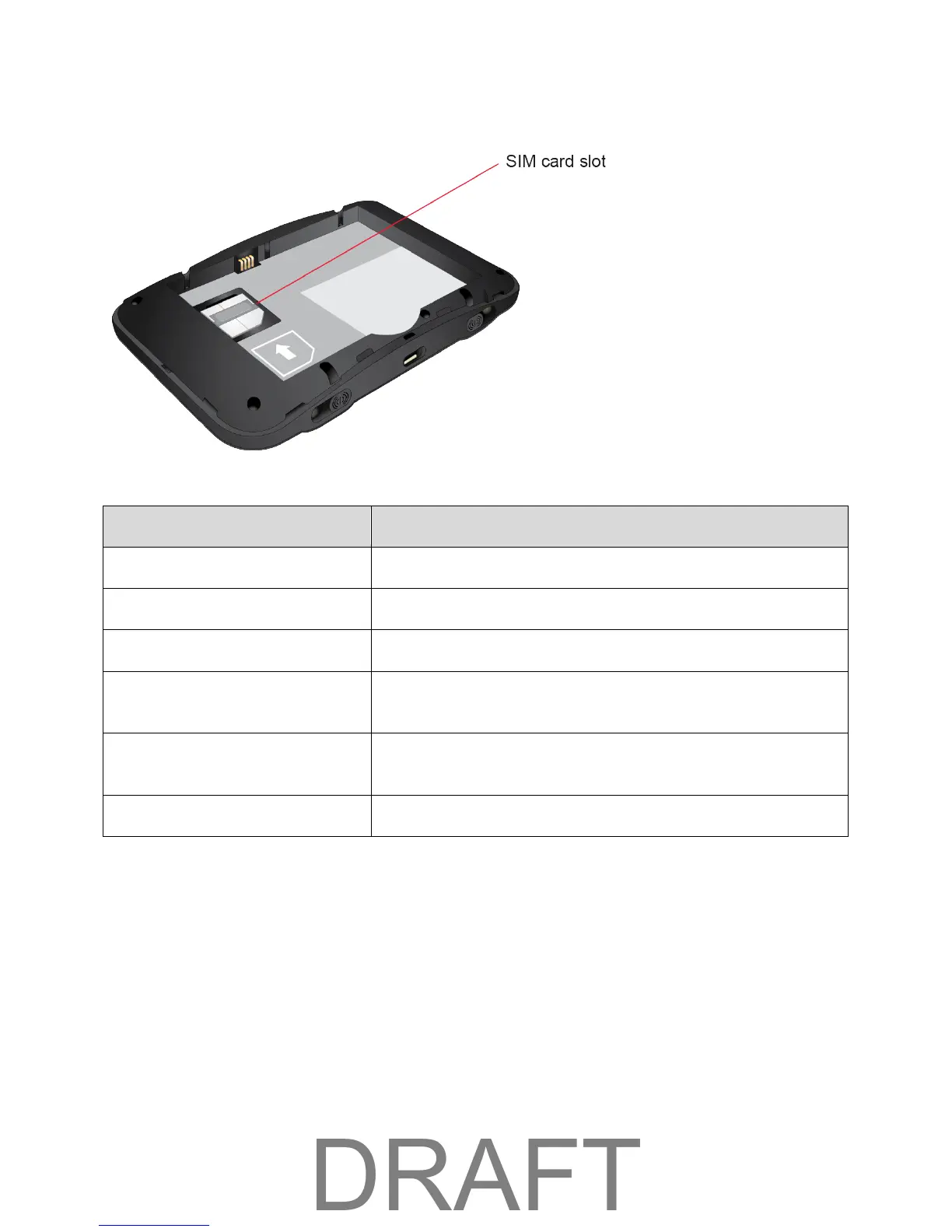
Interior (Battery Removed)
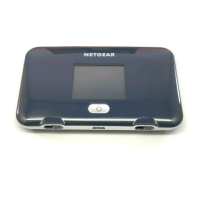
View device status. (See LCD Interface.)
External antenna ports (2)
RF antenna connectors for advanced users (slide open to access).
Micro-USB Port
Connect the micro-USB cable for charging or a tethered
connection.
Battery Cover
Remove the battery cover to remove or insert the battery or SIM
card.
The SIM card is preinstalled.
SIM Card
The SIM card is an IC card containing your device's phone number and other customer information.
Note: Your SIM card is preinstalled.
Handling a SIM Card
Keep the following in mind when handling a SIM card.
● The customer is responsible for any damage caused by inserting the SIM card in another-brand
IC card reader, etc. The company is not responsible in such case.
Getting Started 5



 To Next Page