LCD Interface
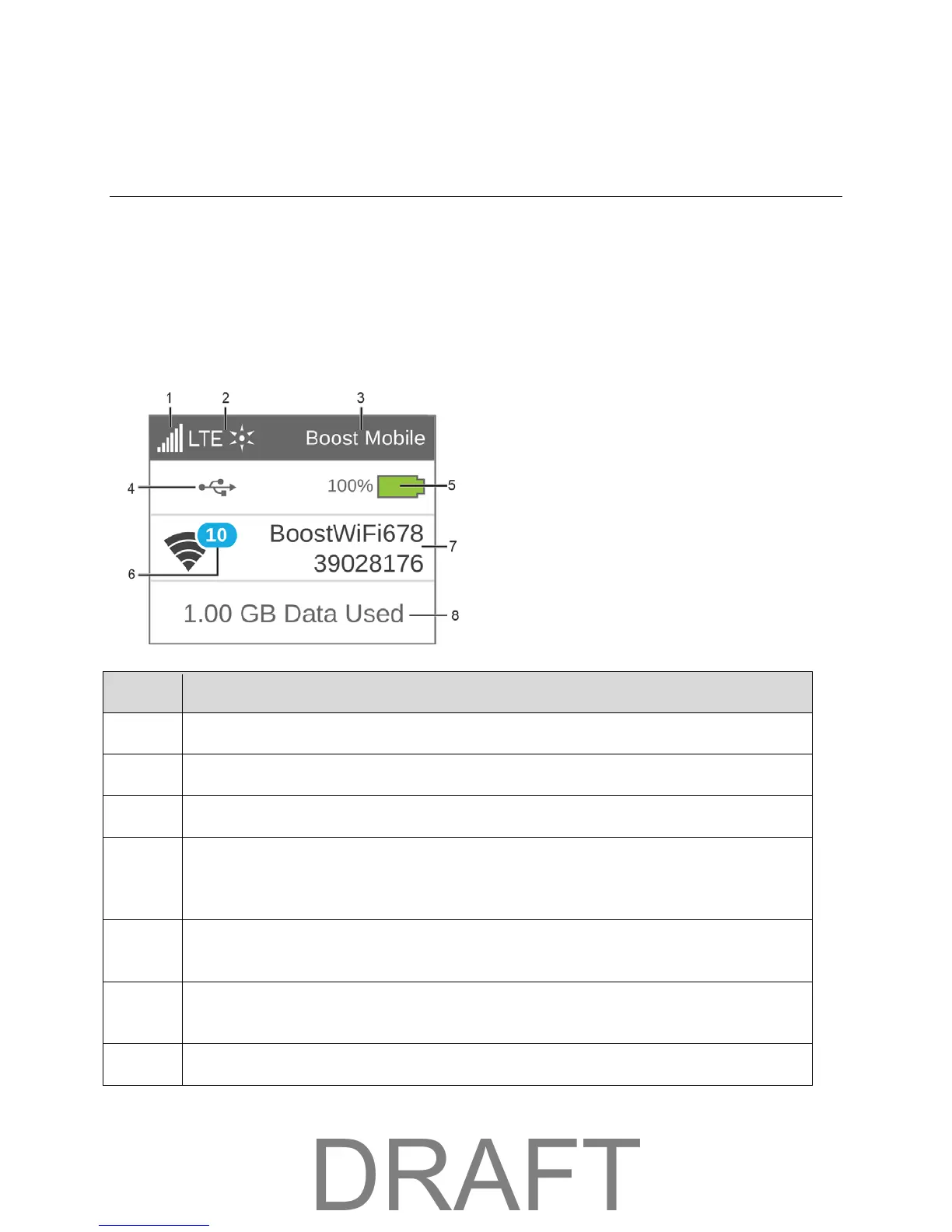
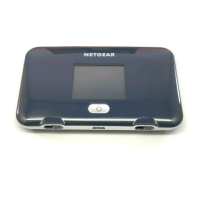
Access your device and connection information, and configure device settings from the LCD interface.
If the LCD is not lit, see Turn Your Device On and Off.
LCD Home Screen
The LCD home screen shows icons and text that reflect the status of your device and your connection,
and screen elements that link to other configuration screens.
4
Alerts – Indicates number of alerts to be read. Only appears when at least one alert is
active.
(See
Alerts Screen.)
5
(See Battery Icon.)
6
WiFi Status – Indicates whether WiFi is active (solid) or sleeping (outlined) and the
number of WiFi connections.
Main WiFi network name and password.
LCD Interface 20



 To Next Page