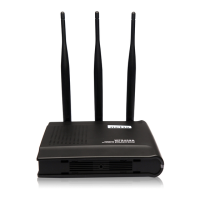
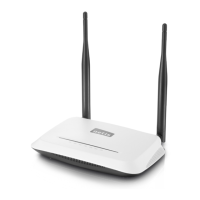
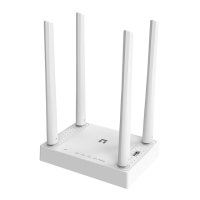
WF-2409 User Manual
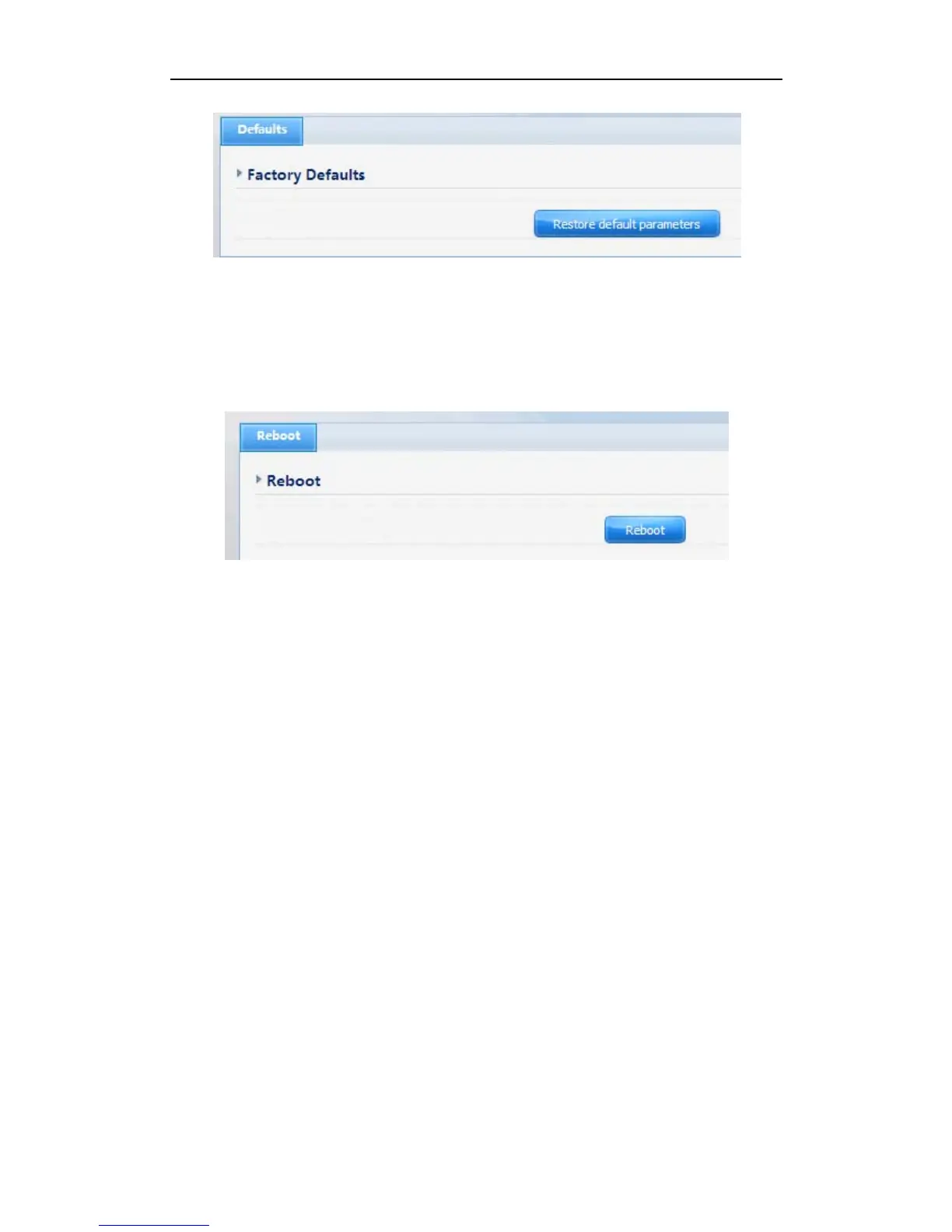
Figure 4-65
4.10.6. Reboot
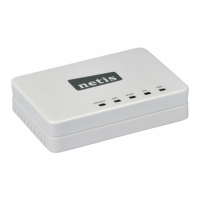
Click “Reboot” button to restart the router.
Figure 4-66
5. Troubleshooting
1. I cannot access the Web-based Configuration Utility from the Ethernet computer used
to configure the router.
¾ Check that the LAN LED is on. If the LED is not on, verify that the cable for the LAN
connection is firmly connected.
¾ Check whether the computer resides on the same subnet with the router’s LAN IP address.
¾ If the computer acts as a DHCP client, check whether the computer has been assigned an
IP address from the DHCP server. If not, you will need to renew the IP address.
¾ Use the ping command to ping the router’s LAN IP address to verify the connection.
¾ Make sure your browser is not configured to use a proxy server.
¾ Check that the IP address you entered is correct. If the router’s LAN IP address has been
changed, you should enter the reassigned IP address instead.
2. I forget Password (Reset the Router without Login)
¾ Use a pencil to press the button for about 2-6 seconds when it is working, then leave your
hands, it will restore settings to the factory configuration. The default password is guest.
3. I have some problems related to Connection with Cable Modem
71


 To Next Page