MT 48 | 11
Having this option on separate driver channels allows you to record the same source with and
without processing at the same time, if you wish. That way you can use the on-board process-
ing for creative sound shaping and record a raw backup on a separate track, in case you decide
otherwise.
If you don’t intend to record sources with processing included, you can simply uncheck the
Post-FX entries. Conversely, if you like to record processed signals only, you can uncheck the
unprocessed inputs and only select their Post FX counterparts.
• Built-in Mic – activate this only if you intend to record the Talkback Mic in your session.
Deactivating this entry does not deactivate the Talkback function as such. Please note: Input
4 is shared with the Built-in Talkback. Connecting an instrument or line source to Input 4
will deactivate the built-in Talkback (channel 5).
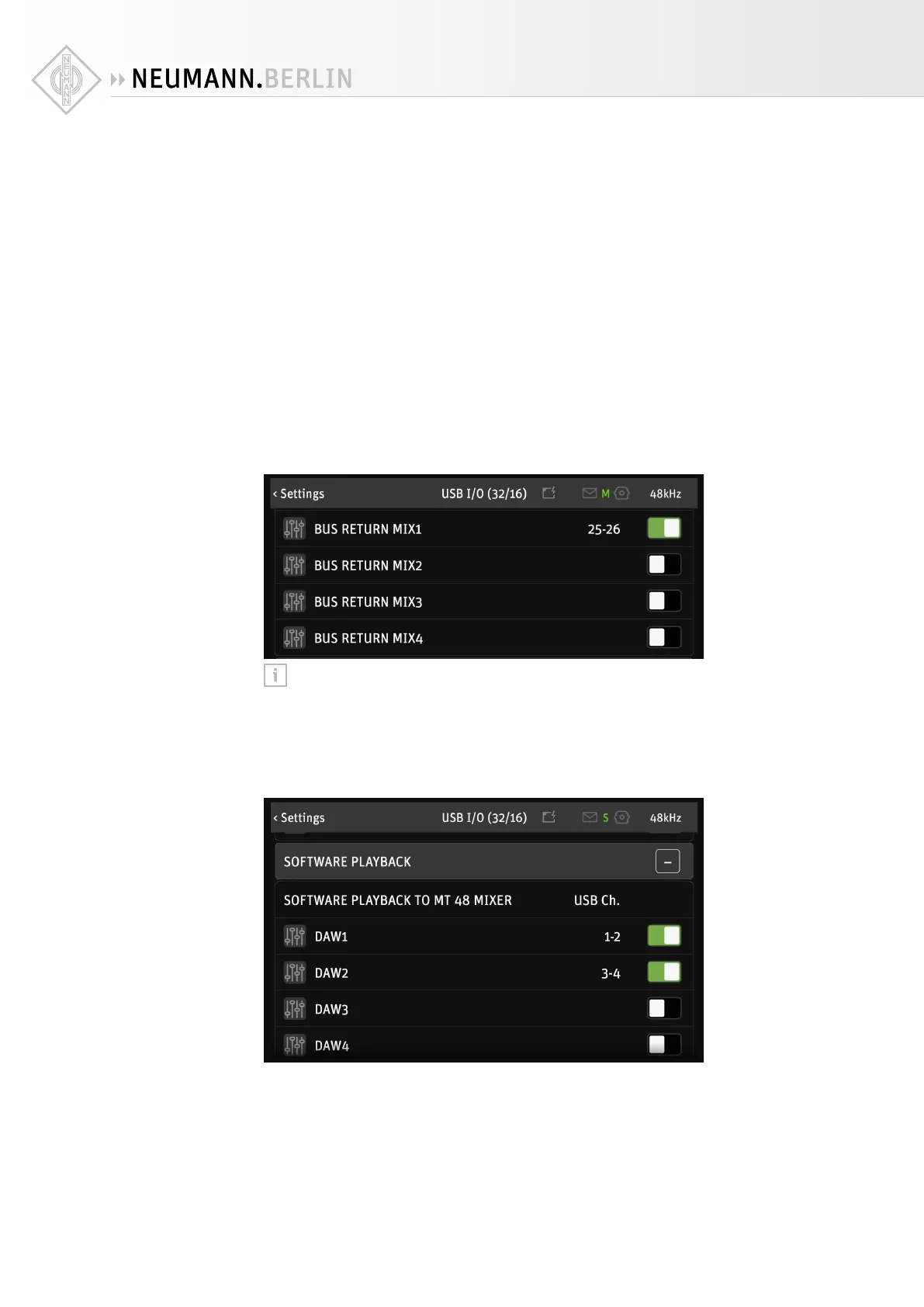
• Bus Return Mix 1/2/3/4 – This allows you to record the output of one (or more) of the inter-
nal mixers, including signal processing in the input channels and even the reverb eect. A
typical use case would be streaming. For instance, you could plug in a vocal microphone
and a guitar for a musical performance, apply EQ, Dynamics and Reverb and plug in another
microphone for the show host, without Reverb. Routing Bus Return Mix 1/2/3/4 to your
streaming application, your listeners will hear the entire mix, including eects.
Please note: It is a good idea to uncheck any channels you are not going to use. This
gives you a cleaner workflow in your recording software.
Section 2: Software playback
Software playback to MT 48 mixer
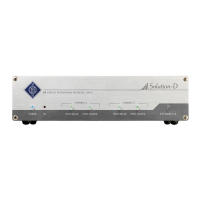
DAW1, DAW2, DAW3 and DAW4 are stereo channels from your computer software to the MT 48.
Per default, DAW1 and DAW2 are activated. These channels appear as stereo channel strips in
your MT 48 Mixer. This allows you to create monitoring mixes with the live inputs balanced
against the DAW signal. DAW1 is also where you receive system sounds and the audio output
from consumer software such as media players.
Having more than one DAW channel in your mixer is handy for many applications:
X
Put a click track on a separate DAW channel


 To Next Page