4VAL Operating & Maintenance Manual Version 1.1 © Newman Labelling Systems Ltd Page 17 of 56
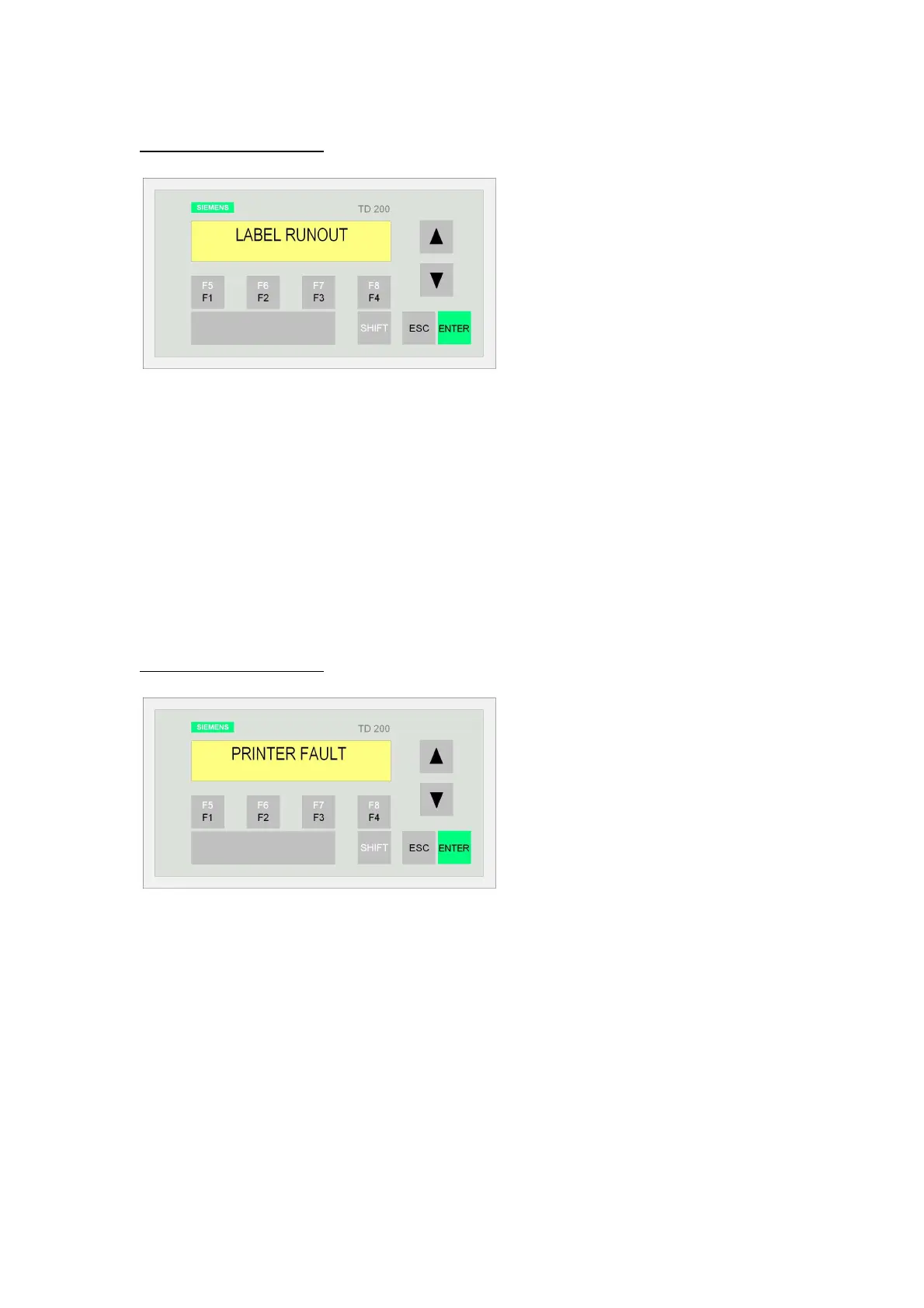
3.7.3 LABEL RUNOUT
CAUSE: The end of the label reel has been reached.
CHECKS: If the tension in the web has been lost (particularly with very long labels),
check the overprint quality on the last few labels to be printed. After restarting with a
new reel, ensure that any reel-to-reel splices pass down the label arm without causing
any feeding problems.
RESTART: Replace the label reel with a new one and either re-thread through the
machine or splice onto the old labels. Acknowledge the alarm message (Siemens:
enter – Allen Bradley: reset). Press the machine start button.
3.7.4 PRINTER FAULT
CAUSE: a) Hot foil tape has run out.
b) A thermal printer is fitted and tape has run out or the magazine removed.
c) A laser printer is fitted and the system is not ready or has a fault.
CHECKS: Replenish the hot foil tape / replenish thermal ribbon / check the laser is
functioning. Test fire a few labels, if necessary to check.
RESTART: Acknowledge the alarm message (Siemens: enter – Allen Bradley: reset).
Press the machine start button. Monitor printing and subsequent overprint detection
after restart.



 To Next Page