4VAL Operating & Maintenance Manual Version 1.1 © Newman Labelling Systems Ltd Page 19 of 56
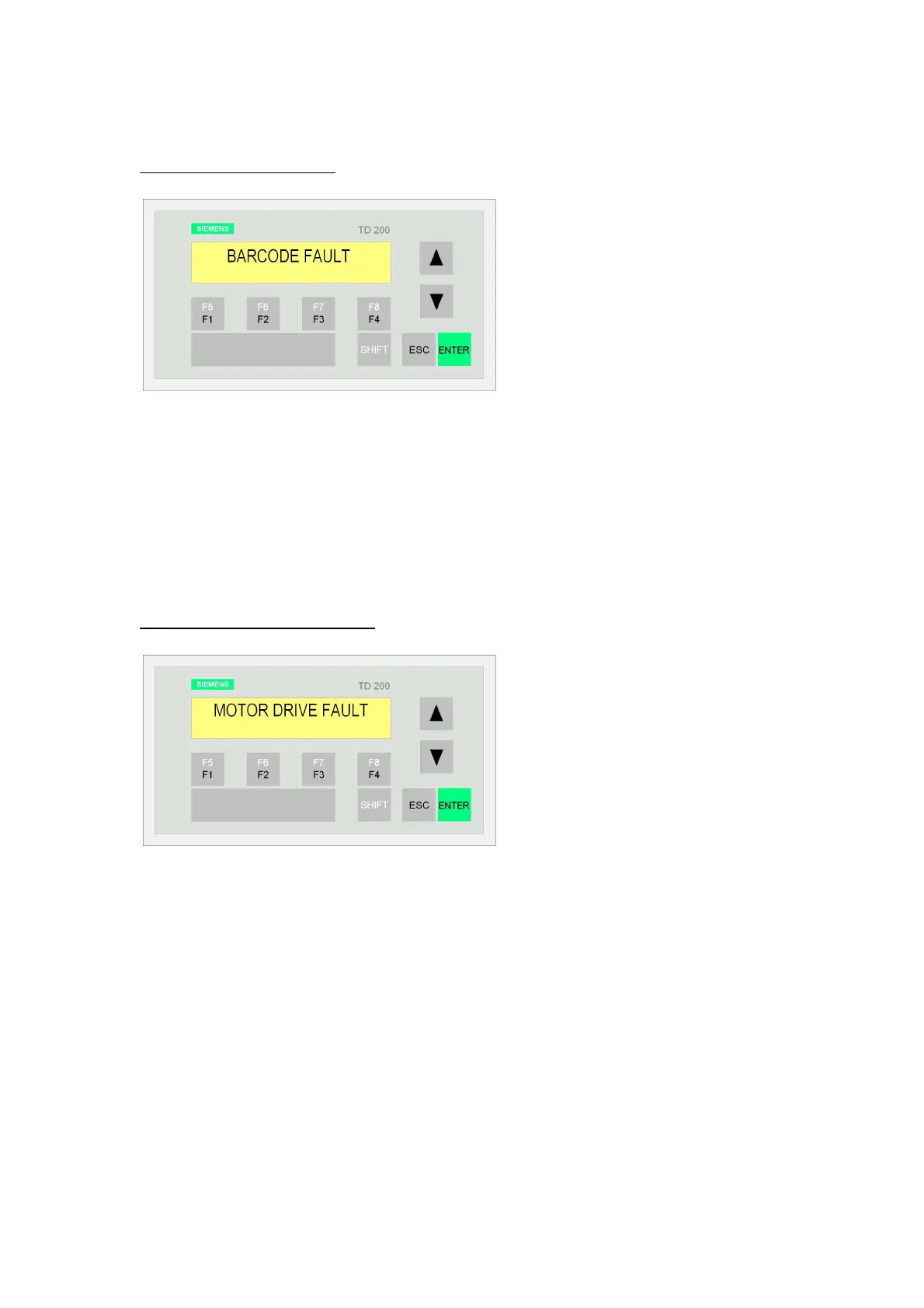
3.7.7 BARCODE FAULT
CAUSE: A faulty barcode has been detected at the barcode reader.
CHECKS: Check for correct settings on barcode reader.
RESTART: Acknowledge the alarm message (Siemens: enter – Allen Bradley: reset).
Press the machine start button. Monitor the bar code reader on start-up.
NB. Barcode detection can be by ‘barcode scanner’ or by vision system. The alarm
message is the same for both.
3.7.8 MOTOR DRIVE FAULT
CAUSE: a) A fault on the main motor or invertor.
b) An overload on the applicator drum causing the microswitch to trip.
CHECKS: The motor drive needs to be checked and reset by a suitably qualified
person. The applicator drum can be checked for obstructions.
RESTART: Acknowledge the alarm message (Siemens: enter – Allen Bradley: reset).
Press the machine start button.



 To Next Page