4VAL Operating & Maintenance Manual Version 1.1 © Newman Labelling Systems Ltd Page 20 of 56
SECTION 3A MACHINE OPERATION – Siemens
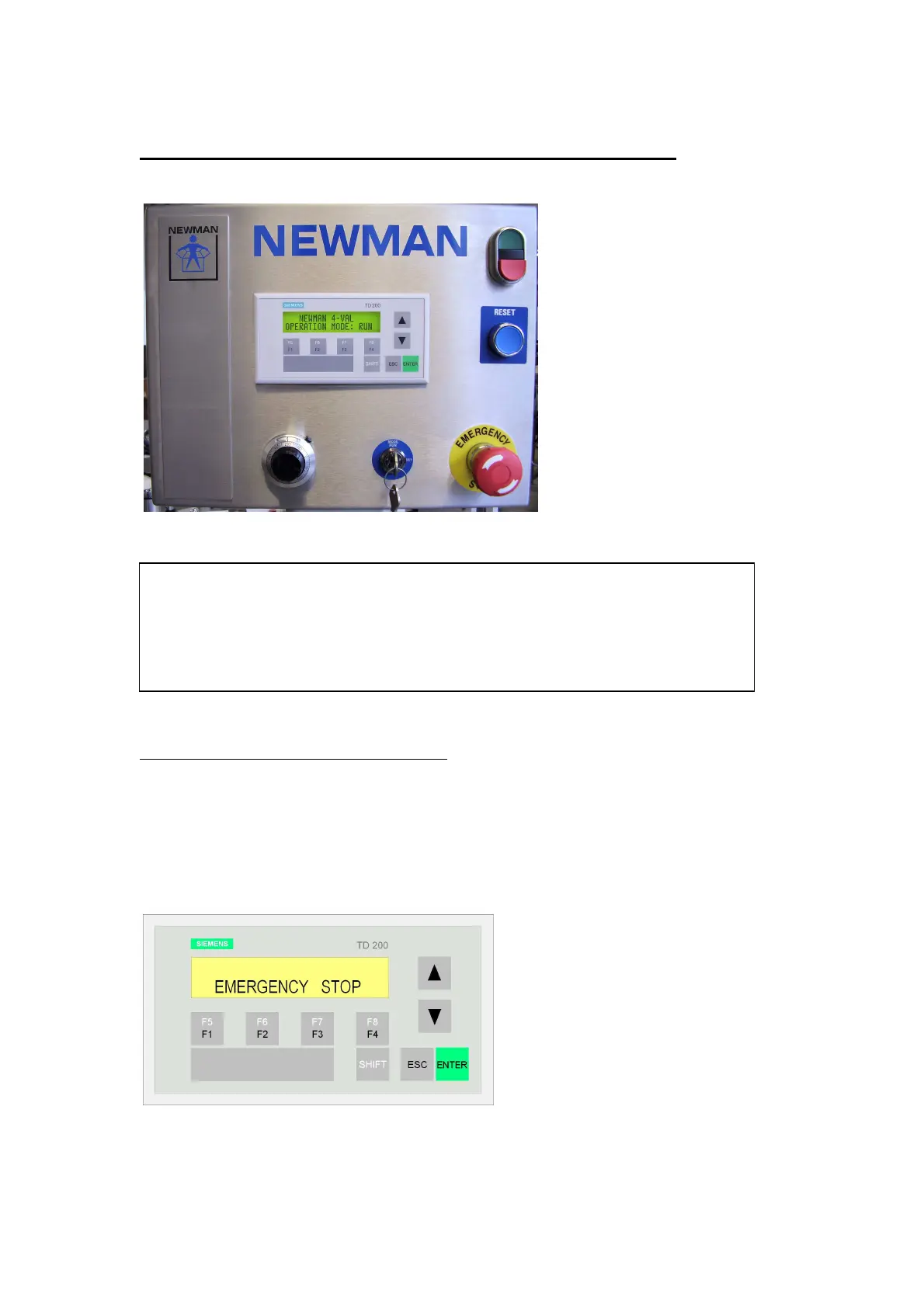
Siemens Operator Panel
3A.1 FAULT MESSAGE INDICATION
A machine fault will first stop the machine then give a fault message indication on the
display at the operator panel in either RUN or SETUP mode. The fault must be
cleared and the fault message acknowledged by pressing the ENTER button before
the machine can be restarted. Refer to Machine Operation–General section for
detailed description and corrective actions for fault messages.
Fault message indication - press ENTER to acknowledge
NOTE
The ESC key on the screen is not a functional button for this machine.
If the ESC key is pressed in any operating mode the display will change to
“PASSWORD”. The 4VAL does NOT have any password facility. Press
ESC key again to return to the original screen and continue operation.



 To Next Page