4VAL Operating & Maintenance Manual Version 1.1 © Newman Labelling Systems Ltd Page 35 of 56
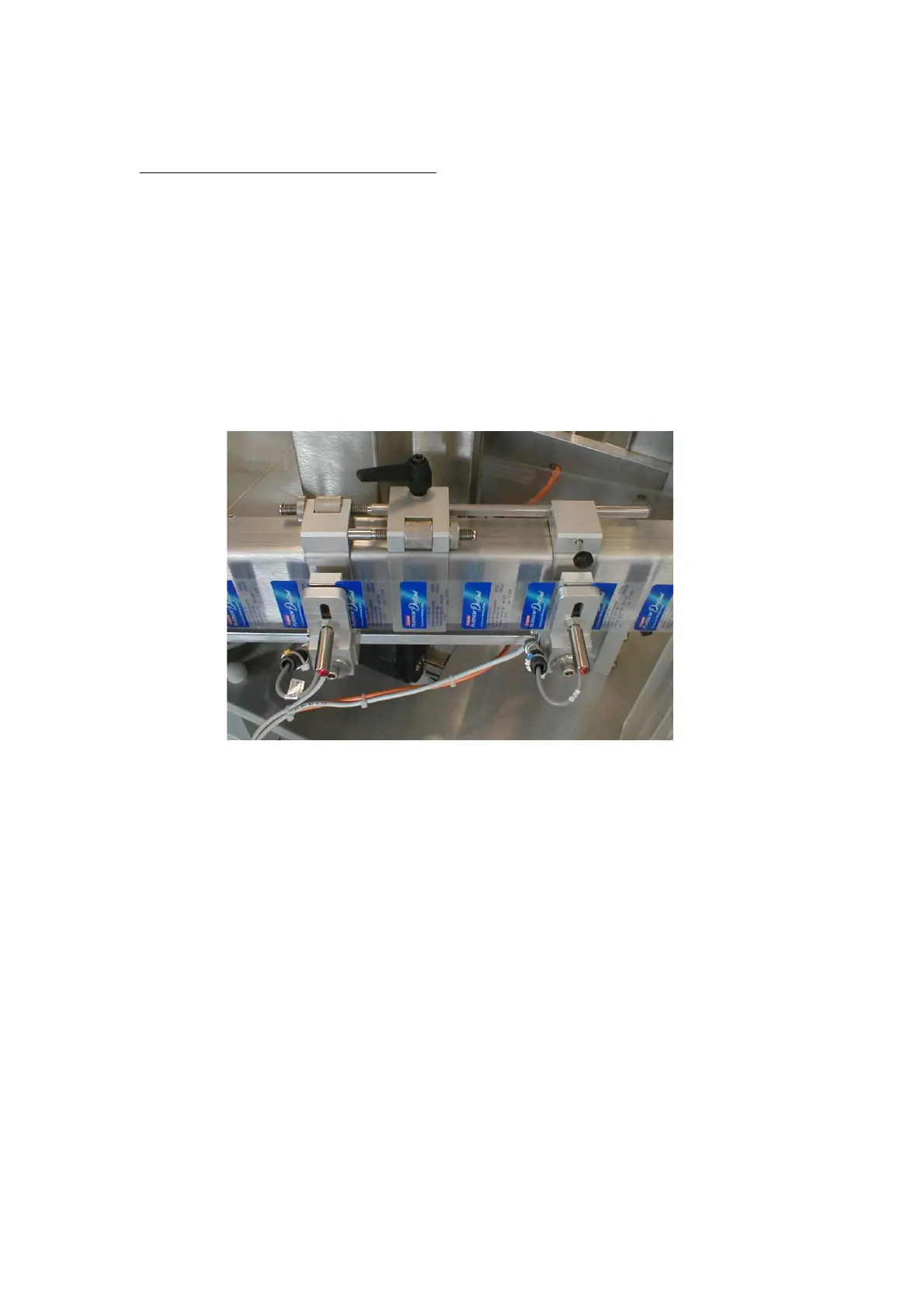
4.5.2 PROXIMITY LABEL SENSORS
Proximity Sensors used for clear labels
• Place the label web (i.e. web complete with labels) between the sensor probe and
the backing pad.
• During the setting operation the in-line connection to the proximity sensor cable
must be disconnected while the probe-locking nut is being slackened/tightened to
avoid twisting the electrical connection wire. Otherwise, for sensor operation,
the connection must be in place.
• Position the sensor probe on the gap between the labels and adjust the amount of
contact between probe and backing web so that the red LED is NOT illuminated.
If necessary, adjust for height by releasing the locknut, sliding the sensor in the
slot and retightening.
• Move the web through the sensor so that the probe comes into contact with a
label on the web and the red LED illuminates.
• Pass the whole of a label length through the sensor to ensure a constant setting.



 To Next Page