4VAL Operating & Maintenance Manual Version 1.1 © Newman Labelling Systems Ltd Page 42 of 56
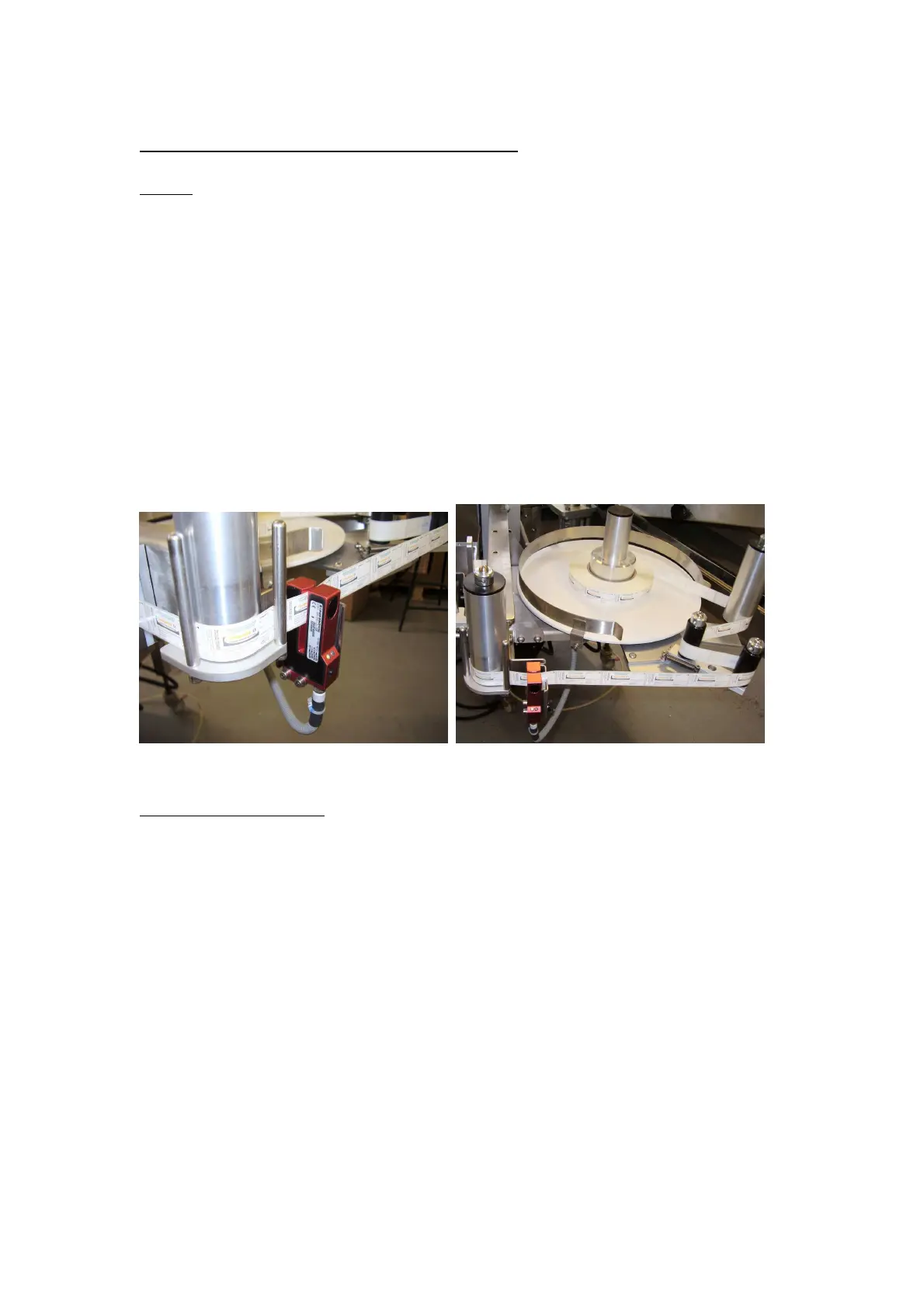
4.12 ULTRASONIC LABEL RUNOUT SENSOR
Setting
• Insert the web with labels.
• Press the teach button on the sensor – green LED flashes
• Pull the web through so that 2 or 3 labels pass through the sensor then remove
the web from the sensor.
• Press the green button again – green LED illuminates continuously.
• Teach is now complete.
• Put the web in the sensor and check the output light goes ‘OFF’, remove the web
and ensure the output goes ‘ON’.
NOTE: The Ultrasonic sensor used for label runout has been modified by the addition
of a small piece of thin plastic bonded into the sensing gap to enable function as a
runout sensor. This sensor is therefore not interchangeable with a label feed sensor
unless this plastic is removed.
4.13 STRIPPER PLATE
Check setting of stripper plate. Stripper plate setting adjustments are made on the
stripper arm as follows: -
• Clearance between stripper plate and applicator drum is adjusted by pivoting the
stripper arm about bolt ‘A’. Loosen both bolts ‘A’ and ‘H’ and set the stripper
plate just clear of the drum. The clearance ‘X’ should allow for the passage of
the label web, but should not exceed 1 mm. Re-tighten the bolts.



 To Next Page