5.6 Open the Finish Tool Kit
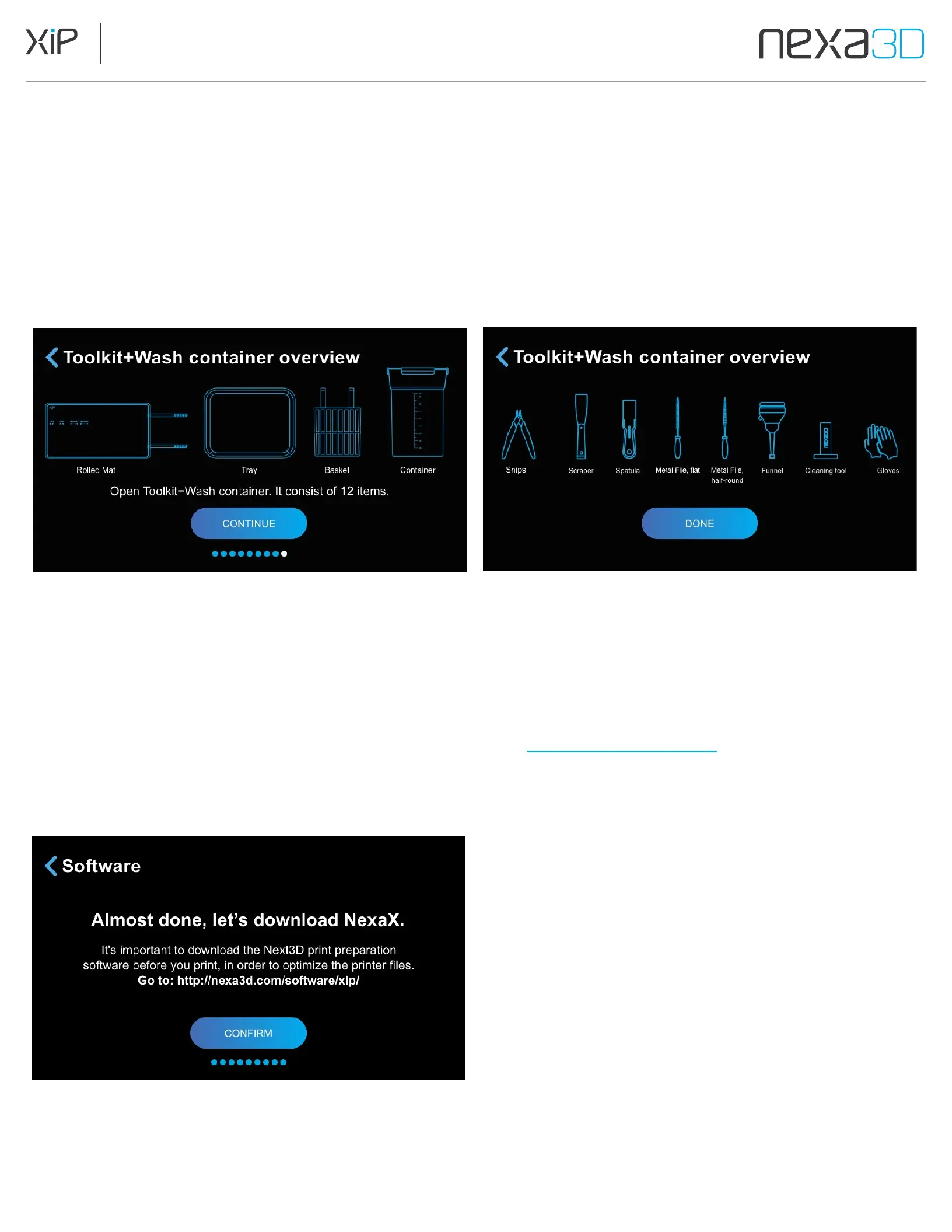
The Finish Tool Kit includes tools to help with post processing of your printed parts.
1.
Open the box labeled Toolkit+Wash container and tap Continue.
2.
Ensure that the Rolled Mat, Tray, Basket, and Wash Container are accounted for, then tap Continue.
3.
Ensure that the remaining small tools are accounted for, and tap Done.
Note: If you find you're missing any listed tools from your kit, please reach out to our support team at
support@nexa3d.com or submit a ticket on our support site support.nexa3d.com
5.7 Install NexaX 3D Print Software
1.
Use your computer to navigate to the link displayed on the screen (nexa3d.com/software/xip/) to download the
NexaX 3D Print Software.
2.
Tap
Confirm
to proceed to the next step.



 To Next Page