Copyright © 2016 NEXCOM International Co., Ltd. All Rights Reserved.
34
NDiS M535 User Manual
Chapter 4: BIOS Setup
IT8528 Super IO Configuration
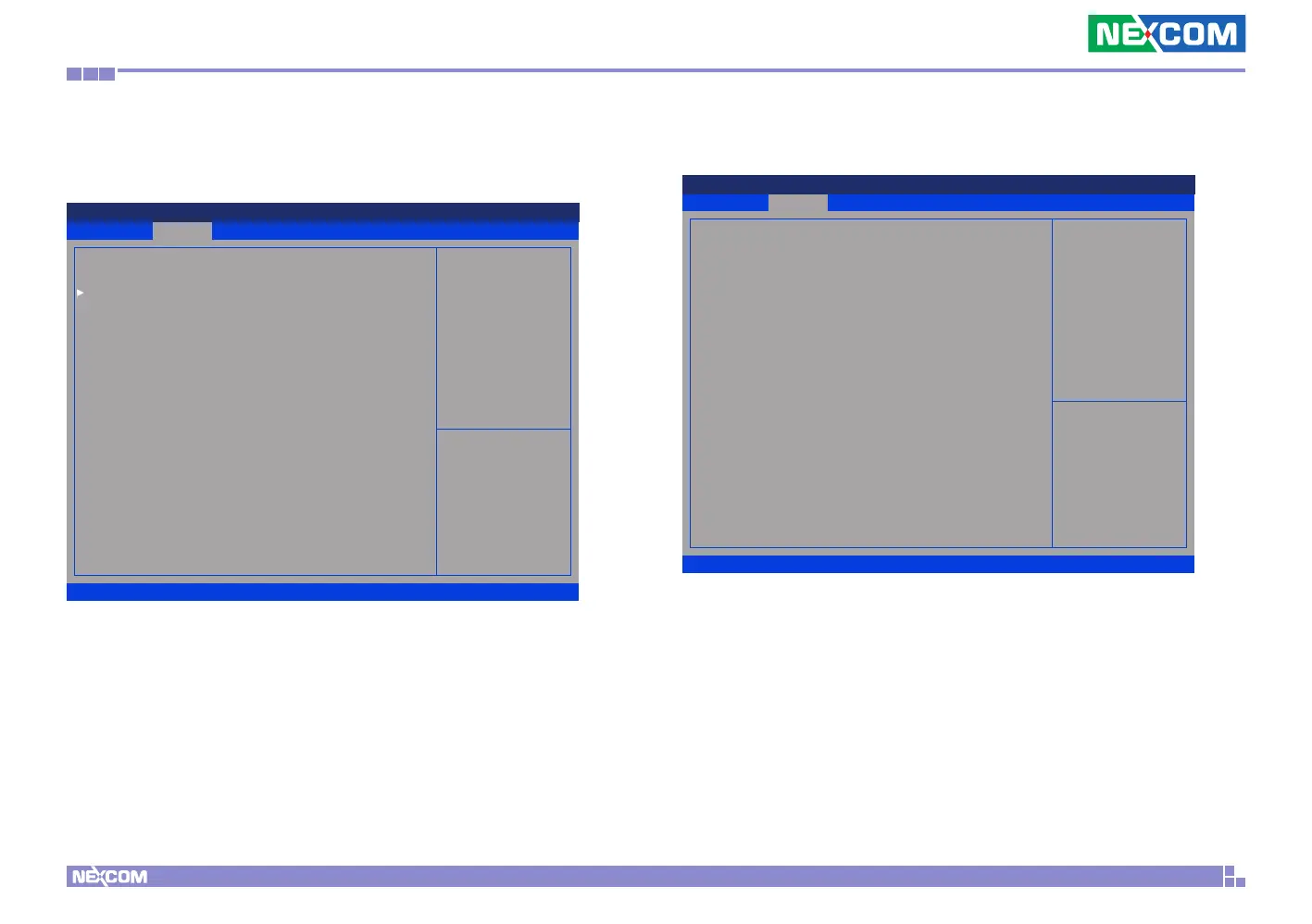
This section is used to configure serial port 2.
Serial Port 2 Configuration
Enters the sub-menu of serial port 2 configuration.
Advanced
Version 2.17.1255. Copyright (C) 2016 American Megatrends, Inc.
Aptio Setup Utility - Copyright (C) 2016 American Megatrends, Inc.
→←: Select Screen
↑↓: Select Item
Enter: Select
+/-: Change Opt.
F1: General Help
F2: Previous Values
F3: Optimized Defaults
F4: Save & Exit
ESC: Exit
Set Parameters of Serial Port
2 (COMB)
IT8528 Super IO Conguration
Serial Port 2 Conguration
Serial Port 2 Configuration
Serial Port
Enables or disables the serial port.
Device Settings
Displays the IO address and IRQ of serial port 2.
Advanced
Version 2.17.1255. Copyright (C) 2016 American Megatrends, Inc.
Aptio Setup Utility - Copyright (C) 2016 American Megatrends, Inc.
→←: Select Screen
↑↓: Select Item
Enter: Select
+/-: Change Opt.
F1: General Help
F2: Previous Values
F3: Optimized Defaults
F4: Save & Exit
ESC: Exit
Enable or Disable Serial Port
(COM)
Serial Port 2 Conguration
Serial Port
Device Settings
[Enabled]
IO=2F8h; IRQ=3;



 To Next Page