EEFFFFTT
SS AA VV EE SS HH AA PP EE SS IIZZ EE RR PP MM
0022
00 44 55-- 22 000022 00ZZ II GG ZZ AA GG 00 00 00
CCIIRRCCLLEE
RR++1100 PPHH 335599 DDLLYY 335599
SSZZ 005500
PPAANN
ZZIIGGZZAAGG
RR--2200 PPHH 004455 DDLLYY 000000
SSZZ 002200
PP HH AA SSEE DD EE LL AA YY
TTIILLTT
7.5 EDIT EFFECT MODE
GB
The graphic display indicates the effect (
hhiigghhlliigghhtteedd
) currently active
(Fig. 32 par
77..11
)
to create/modify it press the
EDIT
key (Fig. 35).
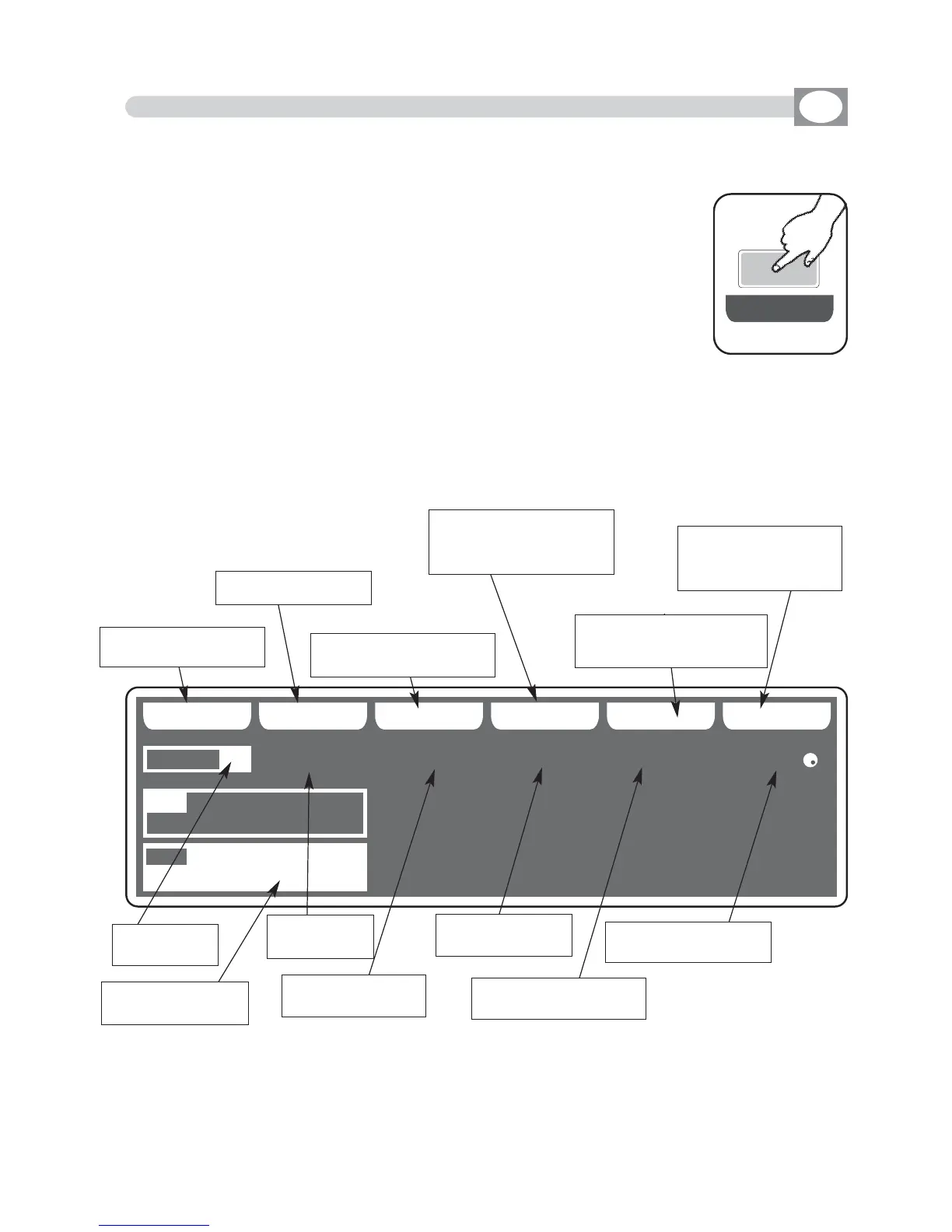
The display changes as shown in (Fig. 36).
THIS FUNCTION ALLOWS TO EDIT ONE OF 48 EFFECTS
Press one of the 1÷6 keys to select the effect on the
PAN
channel
Press one of the 7÷12 keys to select the effect on the
TILT
channel
Fig. 35
EE DD II TT
Fig. 36
Key to save the effect
Key to set the shape
key to set the dimension
of the shape
Key to set the speed
and the direction of the
shape
Key to set the start cor-
ner of the shape
Key to set the delay
of the shape between
an unit and the next
Visualize (in white)
the effect in editing
Shows the
active effect
shows the
type of shape
shows the dimen-
sion of the shape
shows the start corner
of the shape
shows the speed
of the shape
shows the the delay of
the shape



 To Next Page