RREEGG
BB AA CC KK EE RR AA SS EE PP RR OO GG CC HH AA SS EE EE FF FF EE CC TT DD OONN EE
0022
BBKKGGRR PPRROOGG
0011
CCHHAASS
0011
EEFFFFTT
0022
RREEGG 000011
0011..0011
8.5 EDIT IN REGISTER MODE
GB
The graphic display indicates the step (
hhiigghhlliigghhtteedd
) currently active
(Fig. 40 par
88..33
)
to create/modify it press the
EDIT
key (Fig. 41).
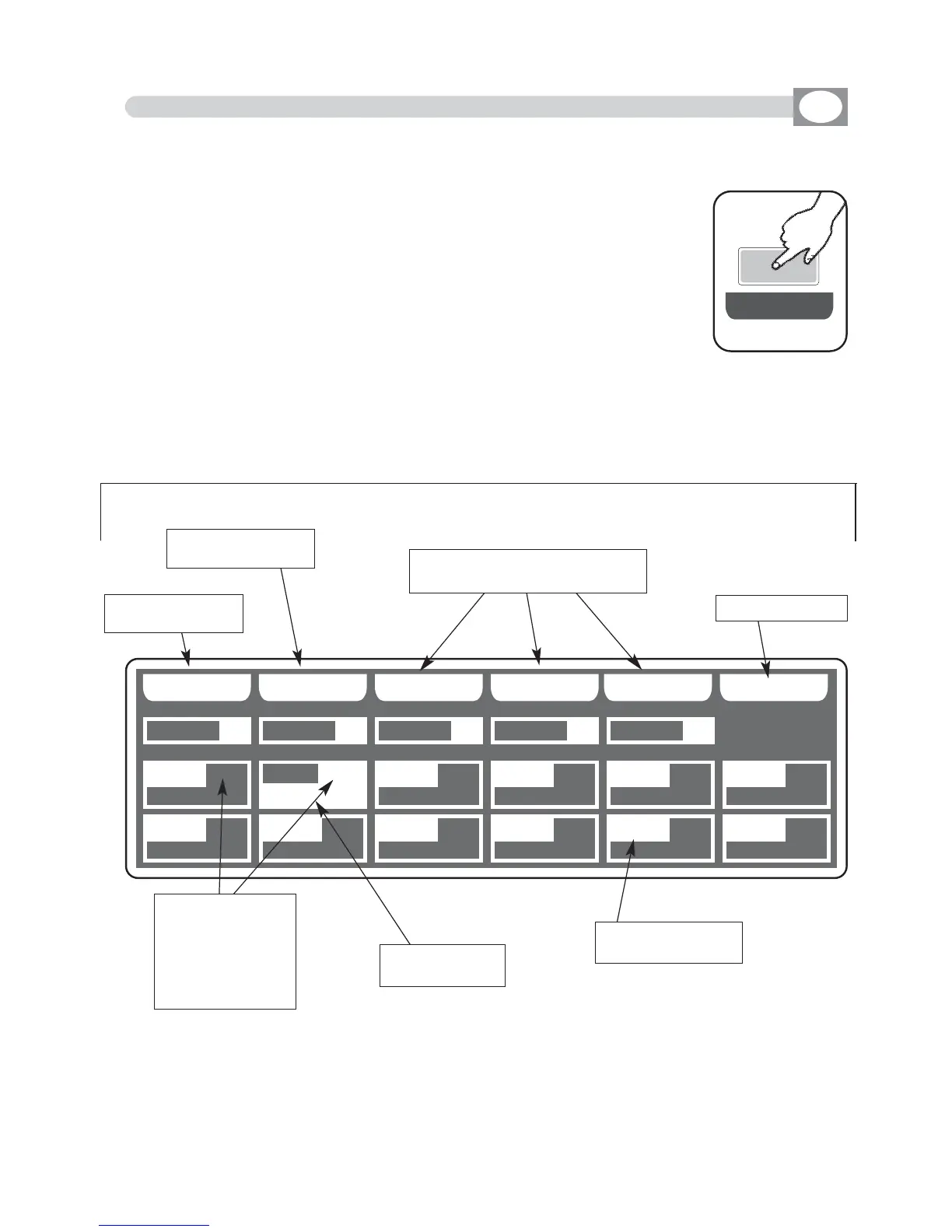
The display changes as shown in (Fig. 42).
THIS FUNCTION ALLOWS TO CREATE OR MODIFY
ONE OF 144 REGISTER.
For successive register use the
PAGE or BANK
key
Fig. 42
BBPPCCEE
RREEGG 000077
0011..0077
RREEGG 000088
0011..0088
RREEGG 000099
0011..0099
RREEGG 001100
0011..1100
RREEGG 001111
0011..1111
RREEGG 001122
0011..1122
RREEGG 000022
0011..0022
BBPPCCEE
RREEGG 000033
0011..0033
RREEGG 000044
0011..0044
RREEGG 000055
0011..0055
RREEGG 000066
0011..0066
Function Keys
see par 8.6
indicate number
and register page
shows the active
register 002
shows the register
contained
Background
Program
Chase
Effect
Return to the pre-
cedent function
Key to erase the
Background scene
Key to erase/modify programm
chase and effect
Key to confirm
Fig. 41
EE DD II TT



 To Next Page