Commissioning and adjusting
FIGHTER 1120
34
Rotation check
Fighter 1120-15, 17 kW 3x400 V
Rotation check
Fighter 1120-12 kW 3x400 V
The compressor in FIGHTER 1120-12 kW 3 x400 V is
of the scroll type. It can only operate in one direction
of rotation. Operating in the wrong direction can
damage the compressor.
The direction of rotation is checked as follows:
■ Set the switch to 1.
■ Check the hot gas temperature in menu 5.11. The
temperature should increase by 10 °C within 30
seconds from compressor start.
■ If the temperature remains the same, the direction
of rotation is incorrect. The noise produced is also
different when rotating in the incorrect direction.
- Set the switch to 0 and cut the main
power supply.
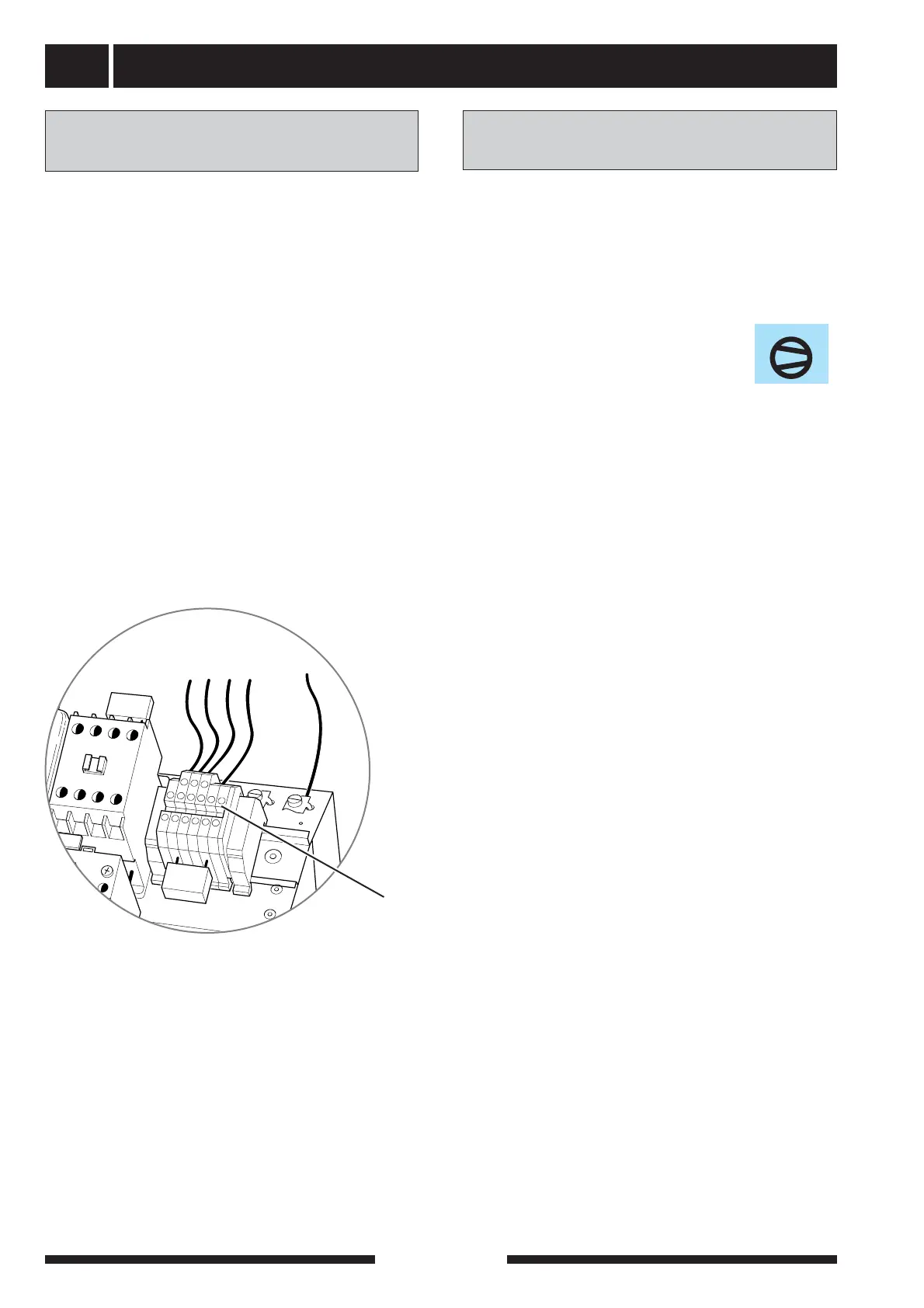
- Swap the two incoming phases on the
terminal block for incoming electricity, -X9.
- Set the switch to 1 and check the rotation
again.
The compressor in FIGHTER 1120-15, 17 kW
3 x400 V is of the scroll type. It can only operate in
one direction of rotation. Operating in the wrong
direction can damage the compressor.
The direction of rotation is checked as follows:
■ Set the switch to 1.
■ Wait until the symbol for the compres-
sor lights up in the display.
■ Check that the compressor is operating.
■ If the compressor is not operating and the symbol
for the compressor is lit, there is a phase sequence
error. The phase sequence monitor (164) also indi-
cates this; see section “Electrical connection”.
- Set the switch to 0 and cut the main
power supply.
- Swap the two incoming phases on the
terminal block for incoming electricity, -X9.
- Set the switch to 1 and check the rotation
again.



 To Next Page