Control
37
FIGHTER 1120
Changing a parameter (value):
■ Access the required menu.
■ Press the enter button, the numerical value starts to
flash.
■ Increase or decrease the value with the Plus/Minus
buttons.
■ Confirm by pressing the enter button.
■ Menu 1.0 is automatically displayed again 30 min-
utes after pressing the last button.
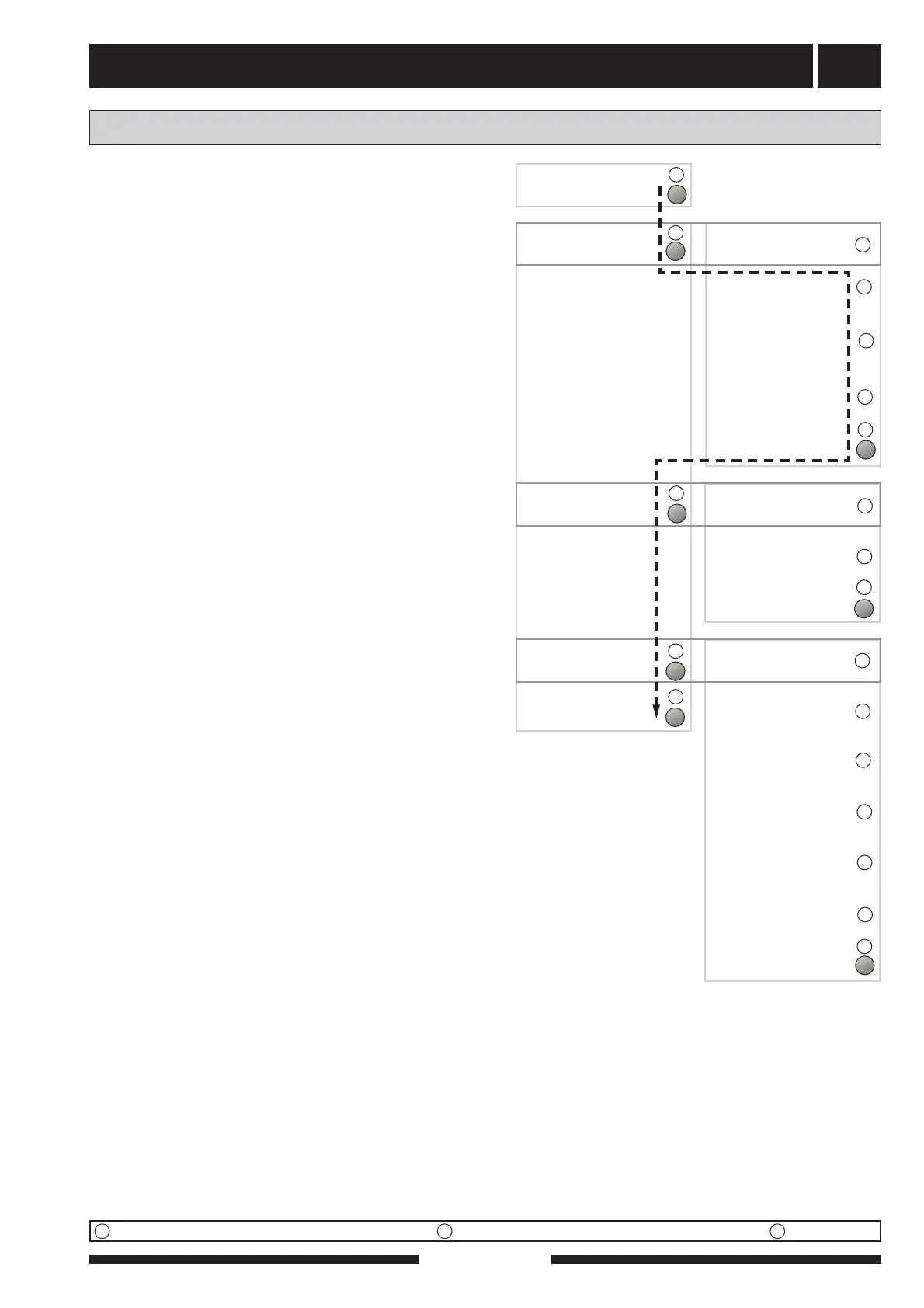
Example
Changing the Menu type/Service mode menu 8.1.1.
■ The starting point is menu 1.0.
■ Press the plus button to move to menu 8.0.
■ Press the enter button to move to menu 8.1.0
■ Press the enter button to move to menu 8.1.1
■ Press the enter button to allow the value to be
changed.
■ Change the value using the plus or minus button.
■ Confirm the chosen value by pressing the enter but-
ton.
■ Press the minus button to move to menu 8.1.5
■ Press the enter button to move to menu 8.1.0
■ Press the minus button to move to menu 8.4
■ Press the enter button to move to menu 8.0
■ Press the plus button to move to menu 1.0
Changing parameters
Normal menus Expanded menus Service menus
SUN
8.1.1
Operation mode types
8.1.2
Language
8.1.3
Contrast
8.1.4
Light intensity
8.1.5
Return to 8.1.0
8.2.1
Summer mode temp.
8.2.2
Winter mode temp.
8.2.3
Return to 8.2.0
Other settings
8.0
8.3.1
Current Phase 1
8.3.2
Current phase 2
8.3.3
Current Phase 3
8.3.4
Fuse size
8.3.5
Max. add heat
8.3.6
EBV value
8.3.7
Return to 8.3.0
8.1.0
Display settings
8.2.0
Operating mode
8.3.0
Current limiter
8.4
Return to 8.0
↵↵
↵↵
↵↵
↵↵
↵↵
↵↵
↵↵
↵↵
U
U
U
U
U
U
U
U
U
U
U
U
U
U
N
N
N
N
N
N



 To Next Page