Safety
information
Product
information
Mechanical
installation
Electrical
installation
Getting started
Running the
motor
Drive
parameters
Communications Diagnostics Technical data
UL Listing
Information
86 Commander S100 User Guide
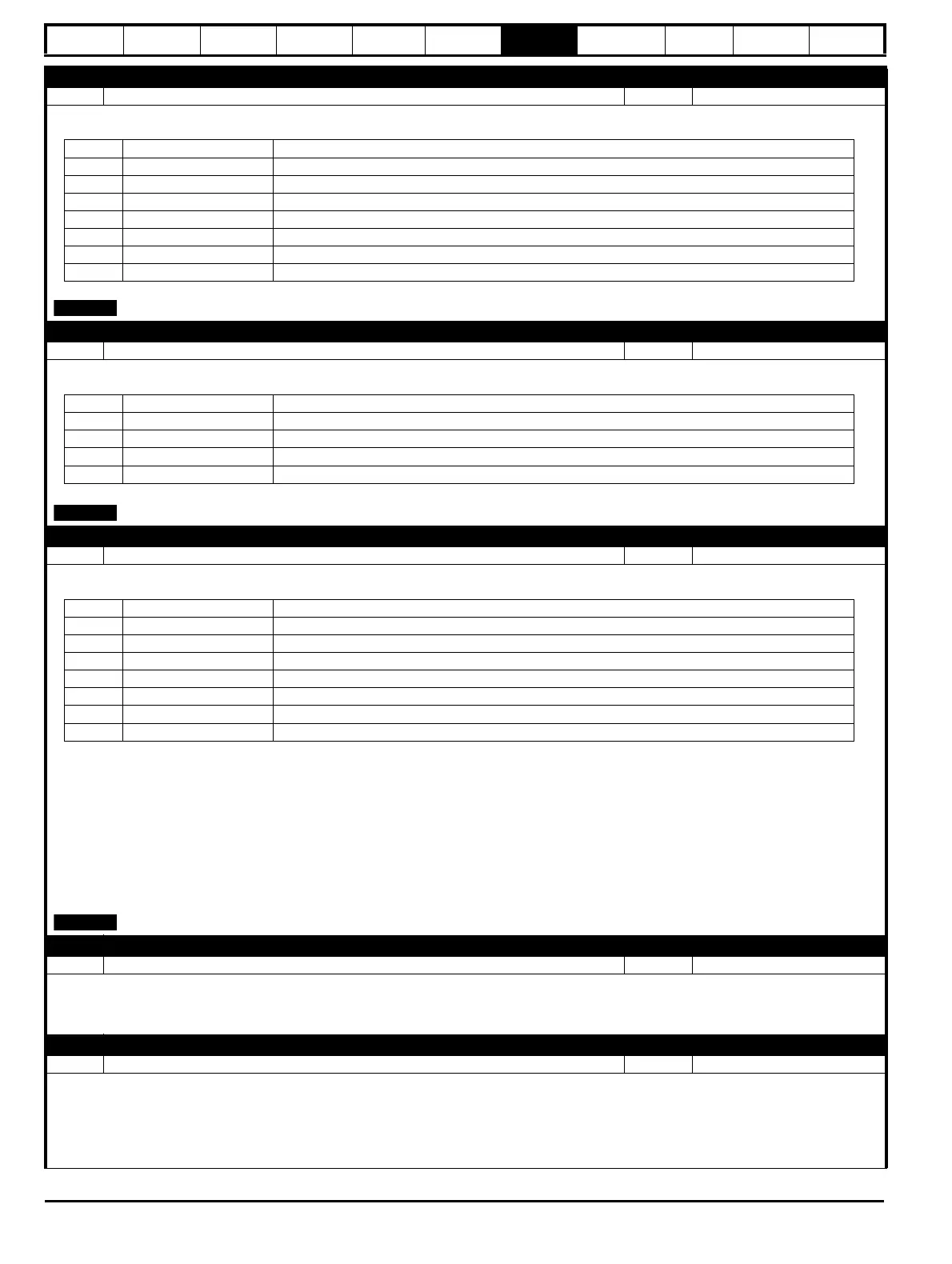
P5.03 PID Reference Selector
Range: 0 to 6 Default: 5 (Fixed Reference 1)
Defines the input source for the reference of the PID controller.
the value of this parameter can be set by Frequency Reference Configuration (P2.03).
P5.04 PID Feedback Selector
Range: 0 to 3 Default: 0 (none)
Defines the input source for the feedback of the PID controller.
the value of this parameter can be set by Frequency Reference Configuration (P2.03).
P5.05 PID Feed Forward Selector
Range: 0 to 6 Default: 0 (None)
Defines the input source for the feed-forward reference of the PID controller.
The PID can be used to provide a speed reference for the drive directly, or to provide a trim which is used to adjust a reference provided for the
drive.
If this parameter is set to zero, PID Percent is given by:
PID Output Percentage (P1.19) = PID Error (P1.21) * [ PID Proportional Gain (P5.07) + PID Integral Gain (P5.08) / s ]
If an input has been selected as a feed Forward term, PID Percent is given by:
PID Output Percentage (P1.19) = PID Error (P1.21) * [ PID Proportional Gain (P5.07) + PID Integral Gain (P5.08) / s ] + Feed Forward Reference
The PID integrator is held when the PID output reaches either of the limits PID Output Lower Limit (P5.09) or PID Output Upper Limit (P5.10).
the value of this parameter can be set by Frequency Reference Configuration (P2.03).
P5.06 PID Reference Slew Rate Limit
Range: 0.0 to 3200.0 s Default: 0.0 s
Defines the maximum rate of change of the reference to the PID controller.
The time entered is the time for the reference to change from 0 to 100 %. If using high PID gains, this parameter can be used to reduce over-shoot
of a large step change in the PID reference.
P5.07 PID Proportional Gain
Range: 0.000 to 4.000 Default: 1.000
The proportional gain is the instantaneous amplification factor that is applied to the process error.
This value is multiplied with the PID Error (P1.21).
If PID Error (P1.21) = 10 % and a proportional gain of 1.000, then the proportional term is a value of 10 %.
A higher value will reduce response time. However, if the value is set too high it may introduce oscillation in the system.
Value PID Reference Description
0
None
Fixed value of 0 %
1
T2 Analog 1 %
Scaled value of analog input 1
2
T4 Analog 2 %
Scaled value of analog input 2
3
T15 Frequency %
Scaled value of the frequency input
4
Up/Down %
Reference set by the Up/Down control
5
Fixed Reference 1
Fixed reference setpoint 1 (P5.01)
6
Fixed Reference 2
Fixed reference setpoint 2 (P5.02)
Value PID Feedback Description
0
None
Fixed value of 0 %
1
T2 Analog 1 %
Scaled value of analog input 1
2
T4 Analog 2 %
Scaled value of analog input 2
3
T15 Frequency %
Scaled value of the frequency input
Value PID Feed Forward Description
0
None
Fixed value of 0 %
1
T2 Analog 1 %
Scaled value of analog input 1
2
T4 Analog 2 %
Scaled value of analog input 2
3
T15 Frequency %
Scaled value of the frequency input
4
Up/Down %
Reference set by the Up/Down control
5
Fixed Reference 1
Fixed reference setpoint 1 (P5.01)
6
Fixed Reference 2
Fixed reference setpoint 2 (P5.02)












 To Next Page