30
4. Connections
Digitax SF Instruction Manual
5. Descriptions of CN1 Connector Signals
Pin No.
9
Interface Circuit
PI(page 45) Control Mode
Signal Description P S T
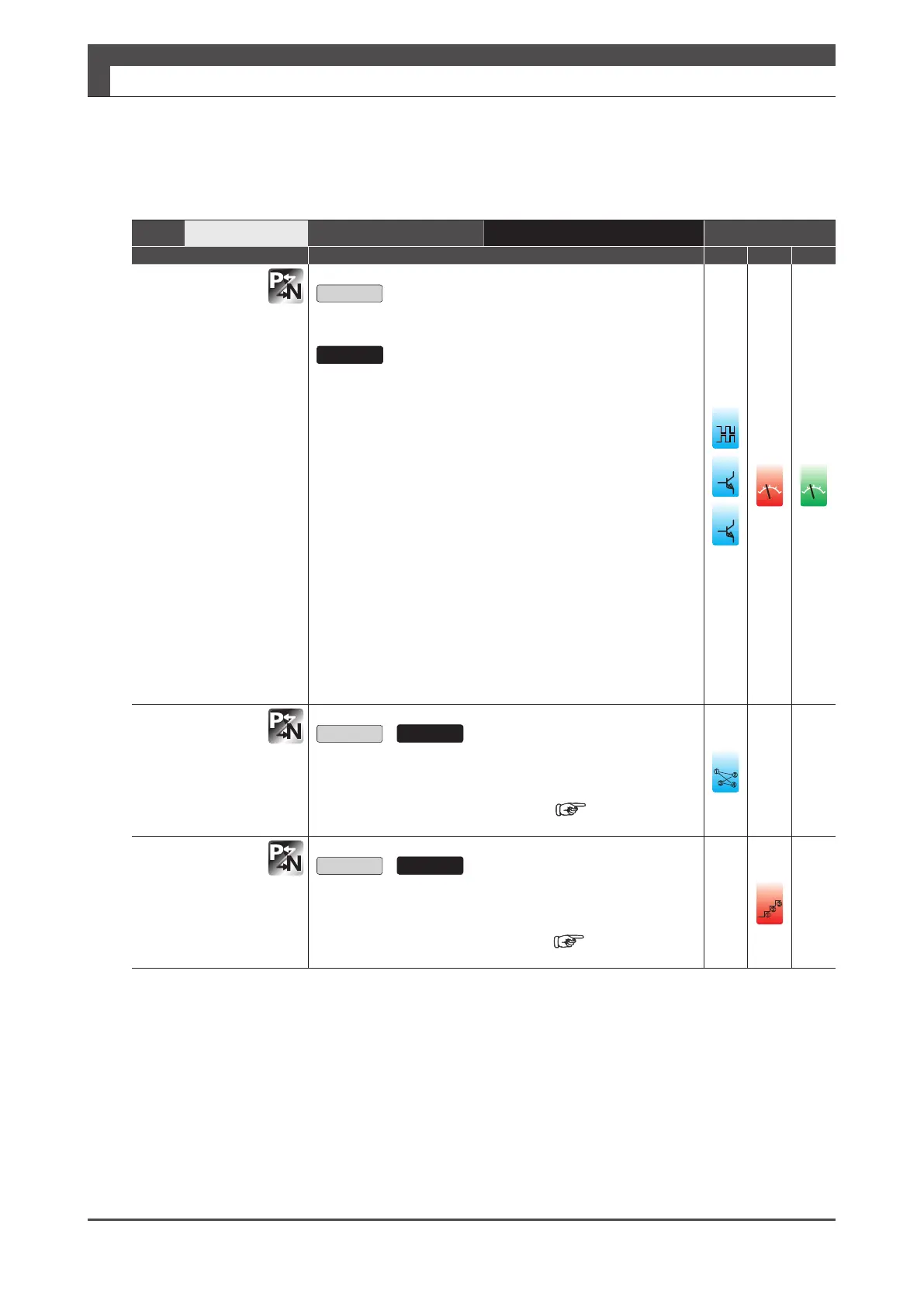
CCWL
CCW drive limit
switch input
Open
Prohibits CCW motion.
Close
Allows CCW motion.
■ TIP
Make the connection such that COM- becomes open when the
equipment moves beyond the CCW motion range.
■ Related Parameters
・No.67.0
Restriction enabled when “2: Enable CCW drive limit switch”
or “3: Enable CW/CCW drive limit switch” is selected.
・No.67.1
Enables you to specify the deceleration method. The initial
setting is 1 (short brake).
・No.67.2
Enables you to specify the status after the motor stops. The
initial setting is 0 (coast to stop).
・No.67.3
You can select keep or clear the position error counter
data.
The initial setting is “0: keep”.
v
ol
v
ol
PCSEL3
Point No. Select 3
Open
/ Close
You can specify the Point No. with a combination of PCSEL1…
PCSEL4.
PCSEL1(Pin No.7)
䐟
䐠
䐡
䐢
VCSEL2
Speed Select 2
Open
/ Close
You can select the target speed setting with a combination of
VCSEL1…VCSEL3.
VCSEL1(Pin No.8)
䐟
䐠






 To Next Page