I
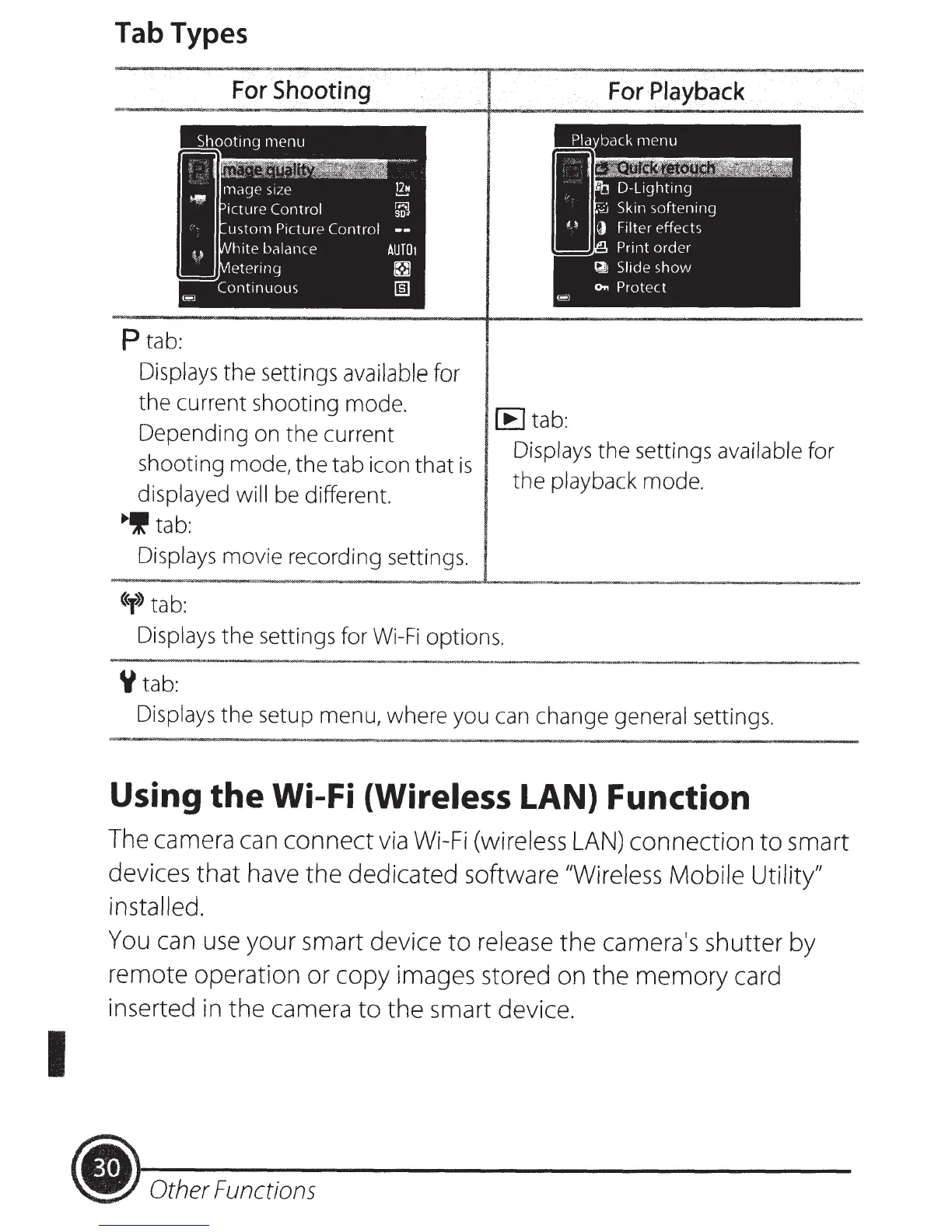
Tab Types
For
Shooting
P
tab:
Displays
the
settings
available
for
the current shooting mode.
Depending on the current
shooting mode,
the
tab icon
that
is
displayed will be different.
•If
tab:
Displays movie recording settings.
«y>>
tab:
For
Playback
[E
tab:
Displays the settings available for
the
playback mode.
Displays the settings for
Wi-Fi
options.
Y
tab:
Displays
the
setup menu, where you can change general settings.
Using
the
Wi-Fi
(Wireless
LAN) Function
The camera can
connect
via
Wi-Fi
(wireless
LAN)
connection
to
smart
devices
that
have
the
dedicated software
"Wireless Mobile Utility"
installed.
You
can
use
your smart device
to
release
the
camera's shutter by
remote operation or copy images stored on
the
memory
card
inserted in the camera
to
the smart device.
(.
Other Functions













 To Next Page