3.3
Disconnect the charging
AC
adapter from the
electrical outlet
and then disconnect the
USB
cable.
H
Turning
On
the
Camera
While
the
Battery
is
Charging
The camera does
not
turn on while the charging
AC
adapter
is
connected
to
it even when you
press
the power switch.
Press
and hold the
[E)
(playback)
button to turn on the camera
in
playback mode and
play
back images.
Shooting
is
not
possible.
Step4
Turn the Camera
On
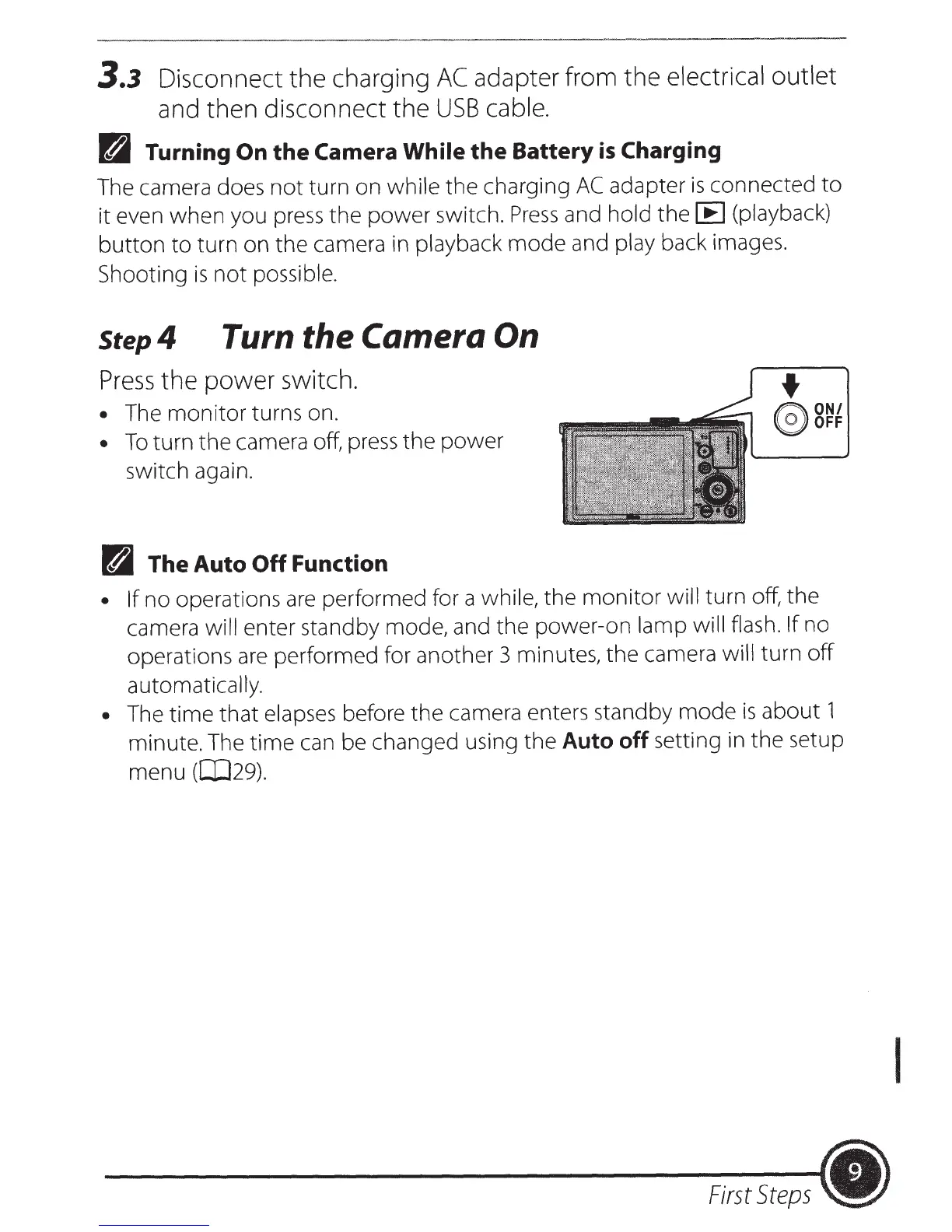
Press
the
power
switch.
•
The monitor turns on.
•
To
turn
the
camera off,
press
the power
switch again.
R
The
Auto
Off
Function
• If
no operations
are
performed for a while, the
monitor
will
turn off, the
camera will
enter standby mode, and the power-on lamp will flash. If
no
operations
are
performed for another 3 minutes, the camera
will turn
off
automatically.
•
The time that elapses before the camera enters standby mode
is
about 1
minute. The time
can
be changed using the Auto off setting
in
the setup
menu ([JJ29).
First
Steps
•
I













 To Next Page