143
u
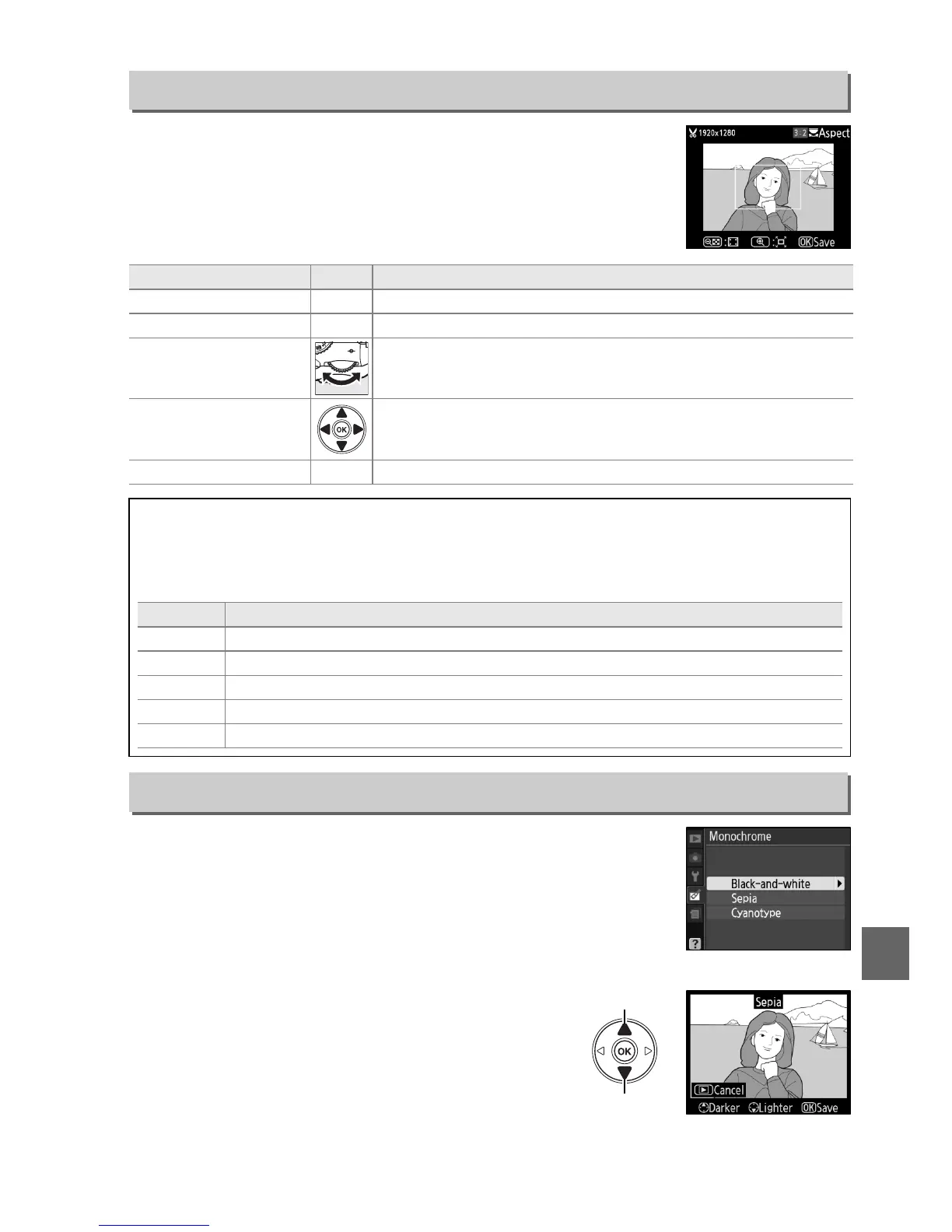
Create a cropped copy of the selected photograph.
The
selected photograph is displayed with the selected crop shown
in yellow; create a cropped copy as described in the following
table.
Copy photographs in Black-and-white, Sepia, or
Cyanotype (blue and white monochrome).
Selecting Sepia or Cyanotype displays a preview
of the selected image; press 1 to increase color
saturation, 3 to decrease.
Press J to create a
monochrome copy.
Trim
G button ➜ N retouch menu
To Use Description
Increase size of crop X Press the X button to increase the size of the crop.
Reduce size of crop W Press the W button to reduce the size of the crop.
Change crop aspect
ratio
Rotate the command dial to switch between aspect ratios of
3 : 2, 4 : 3, 5 : 4, 1 : 1, and 16 : 9.
Move crop
Use multi selector to move the crop to another area of the
image.
Create copy J Save the current crop as a separate file.
D Trim: Image Quality and Size
Copies created from NEF (RAW) or NEF (RAW) + JPEG basic photos have an image quality of
JPEG fine (0 50); copies created from JPEG photos have the same image quality as the
original.
The size of the copy varies with crop size and aspect ratio.
Aspect ratio Possible sizes
3 : 2 3,424 × 2,280, 2,560 × 1,704, 1,920 × 1,280, 1,280 × 856, 960 × 640, 640 × 424
4 : 3 3,424 × 2,568, 2,560 × 1,920, 1,920 × 1,440, 1,280 × 960, 960 × 720, 640 × 480
5 : 4 3,216 × 2,568, 2,400 × 1,920, 1,808 × 1,440, 1,200 × 960, 896 × 720, 608 × 480
1 : 1 2,560 × 2,560, 1,920 × 1,920, 1,440 × 1,440, 960 × 960, 720 × 720, 480 × 480
16 : 9 3,424 × 1,920, 2,560 × 1,440, 1,920 × 1,080, 1,280 × 720, 960 × 536, 640 × 360
Monochrome
G button ➜ N retouch menu
Increase
saturation
Decrease
saturation



 To Next Page