55
z
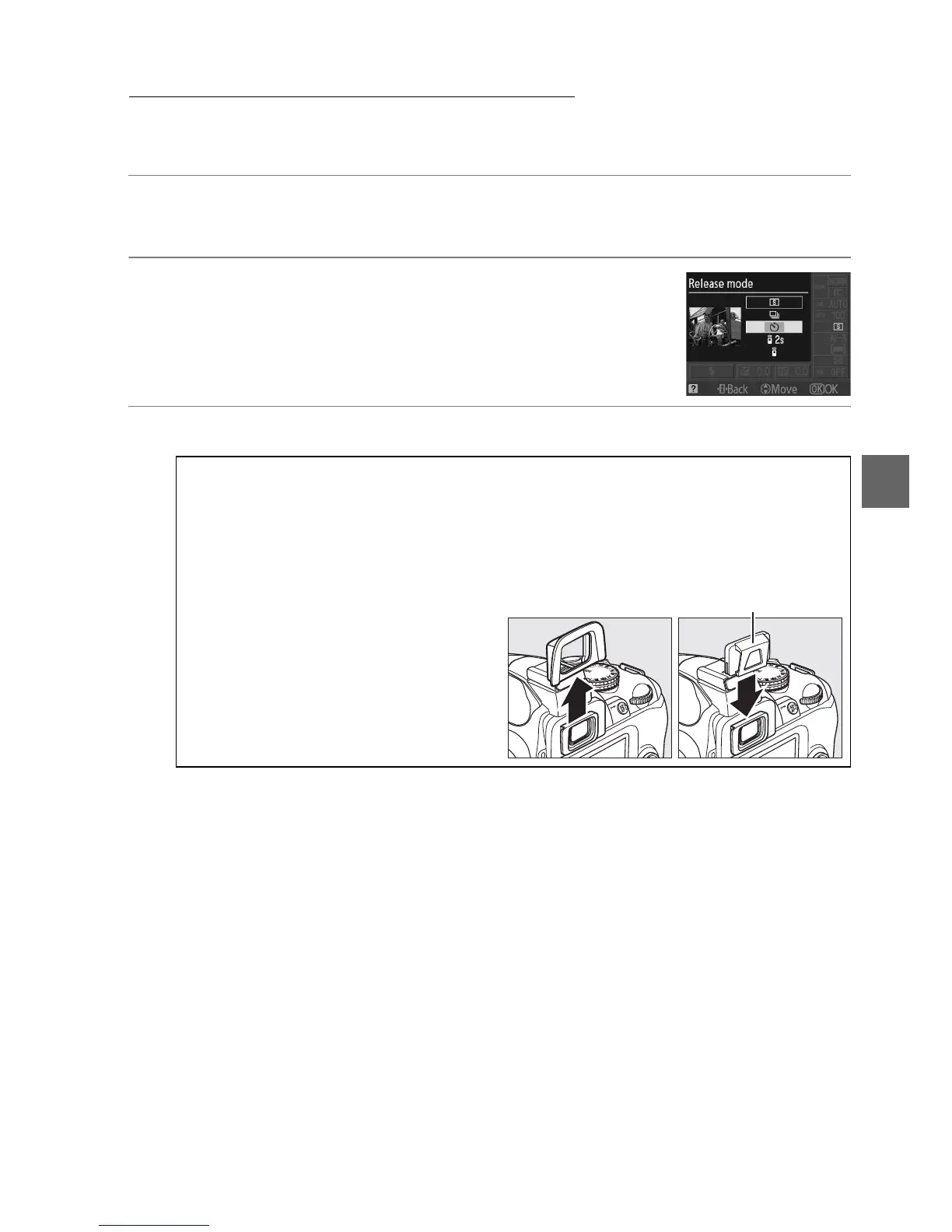
Self-Timer and Remote Modes
The self-timer and optional ML-L3 wireless remote control (0 167) can be used to
reduce camera shake or for self-portraits.
1 Mount the camera on a tripod.
Mount the camera on a tripod or place the camera on a stable, level surface.
2 Select a release mode (0 53).
Select self-timer (E), delayed remote
("), or quick-response remote mode
(#).
3 Frame the photograph.
A Using a Remote Control
If autofocus is in effect in delayed remote or quick-response remote mode, the camera
can be focused by pressing the shutter-release button halfway (the shutter will not be
released if the shutter-release button is pressed all the way down).
A Cover the Viewfinder
After framing the photograph, remove
the DK-20 rubber eyecup (q) and insert
the supplied DK-5 eyepiece cap as
shown (w).
This prevents light entering
via the viewfinder interfering with
exposure.
Hold the camera firmly when
removing the rubber eyecup.
DK-5 eyepiece cap
q w



 To Next Page