39
!
View/Delete: Viewing and Deleting Pictures in
Guide Mode
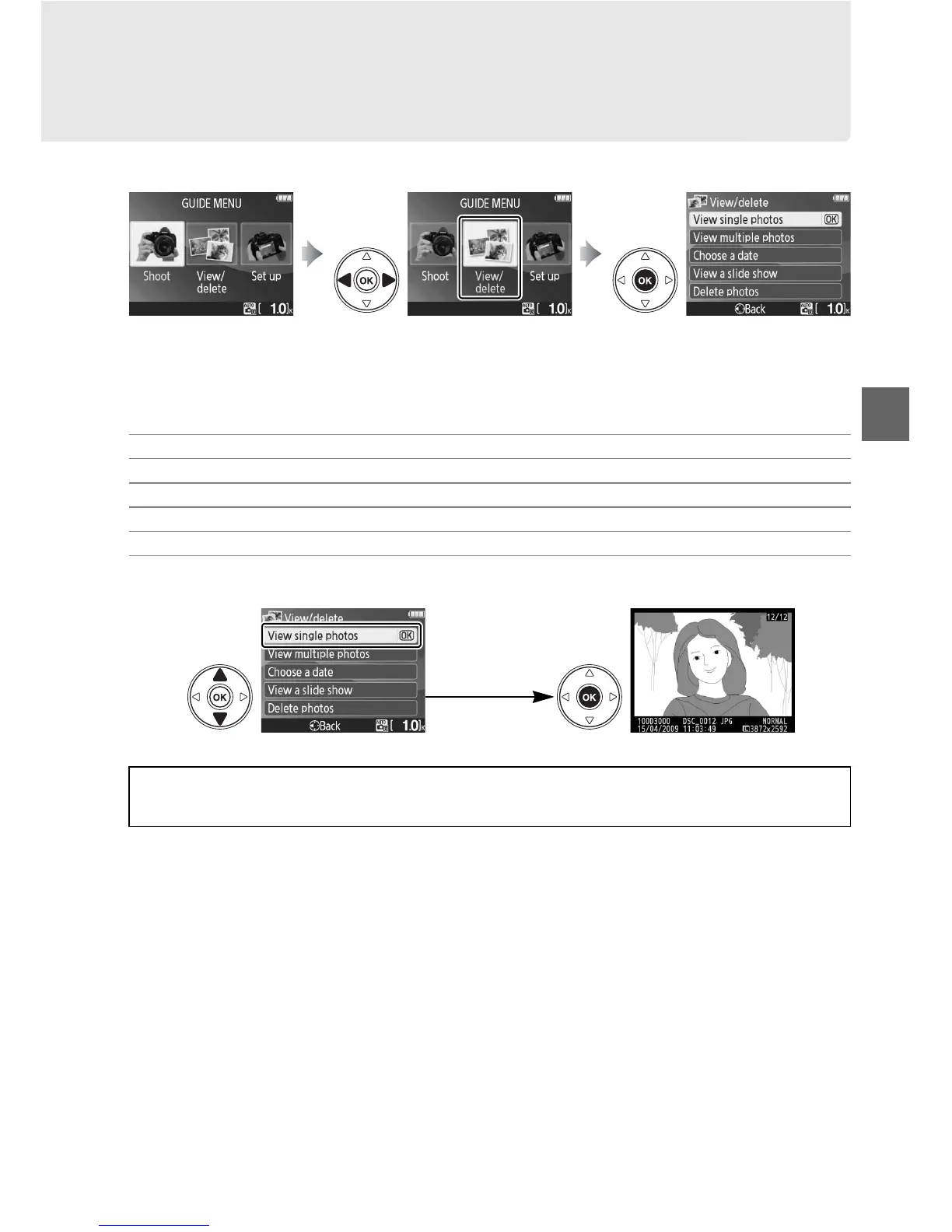
Select View/delete to view and delete pictures.
Highlight View/delete in the top level of the guide menu and press J to display the
following options:
To select an option (View single photos in this example):
Press G to display
guide menu
Highlight View/delete Press J to display options
View single photos
View multiple photos
Choose a date
View a slide show
Delete photos
Highlight an option Press J to select
A Displaying the Top Level of the Guide Menu
Press the G button at any time to return to the top level of the guide menu.



 To Next Page