37
!
Shoot: Taking Pictures in Guide Mode
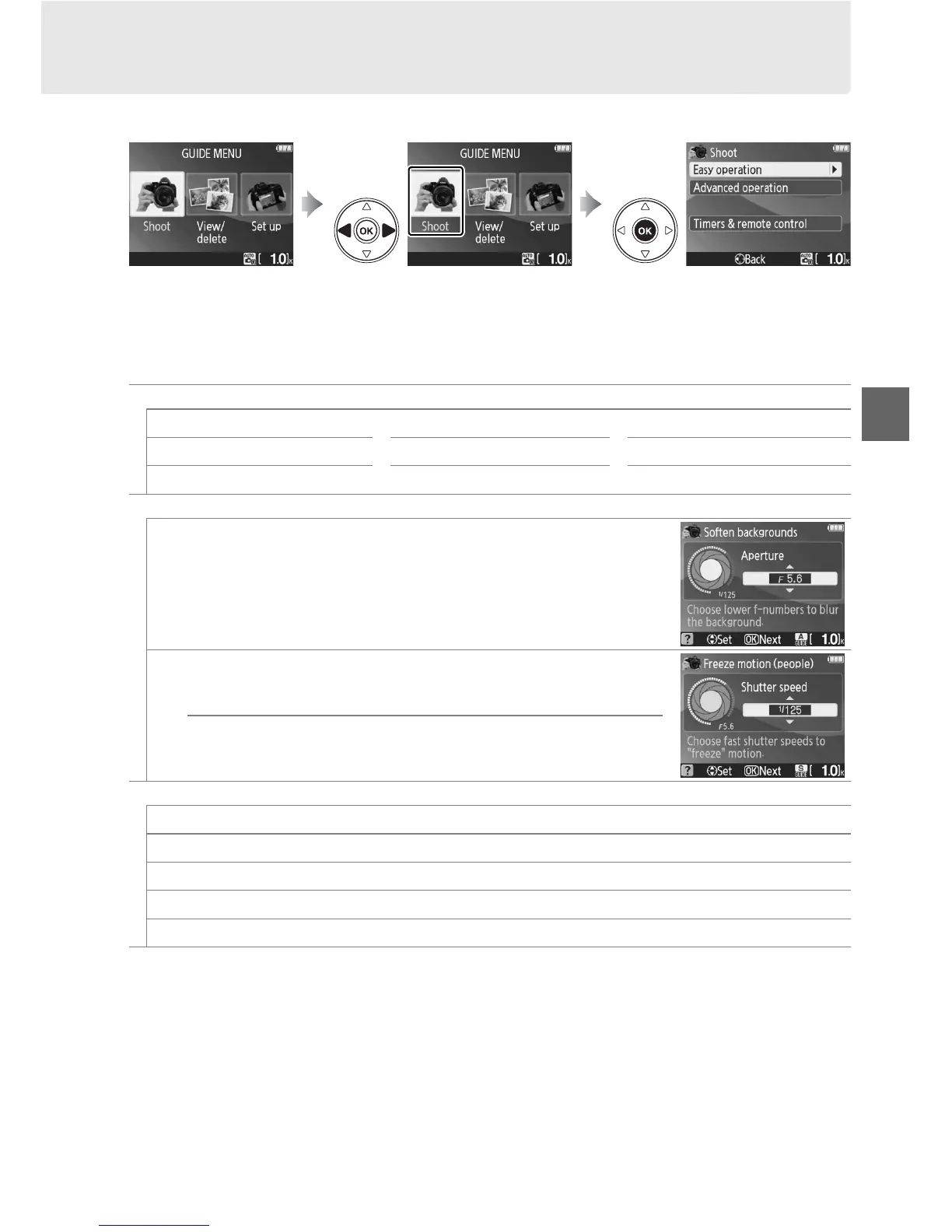
Select Shoot to take pictures using settings that suit the scene.
Highlight Shoot in the top level of the guide menu and press J to display the
following options:
Press G to display
guide menu
Highlight Shoot Press J to display options
Easy operation
4
Auto
!
Close-ups
7
Landscapes
1, 2
5
No flash
8
Sleeping faces
6
Portraits
9
Distant subjects
1, 2
9
Moving subjects
1, 2
"
Night portrait
Advanced operation
3
#
Soften backgrounds: Select aperture
$
Freeze motion (people): Select a shutter speed
Freeze motion (vehicles): Select a shutter speed
Timers & remote control
8
Single frame
I
Continuous
'
10-second self-timer
"
Delayed remote
#
Quick-response remote
1 Built-in flash turns off automatically.
Optional flash units can still be used (0 162).
2 AF-assist illuminator (0 43) turns off automatically.
3 If the subject is poorly lit, you can raise ISO sensitivity as described on page 62 after selecting
Start shooting.



 To Next Page