32
s
Basic Playback
At default settings, photographs are automatically displayed for about 4 s after
shooting.
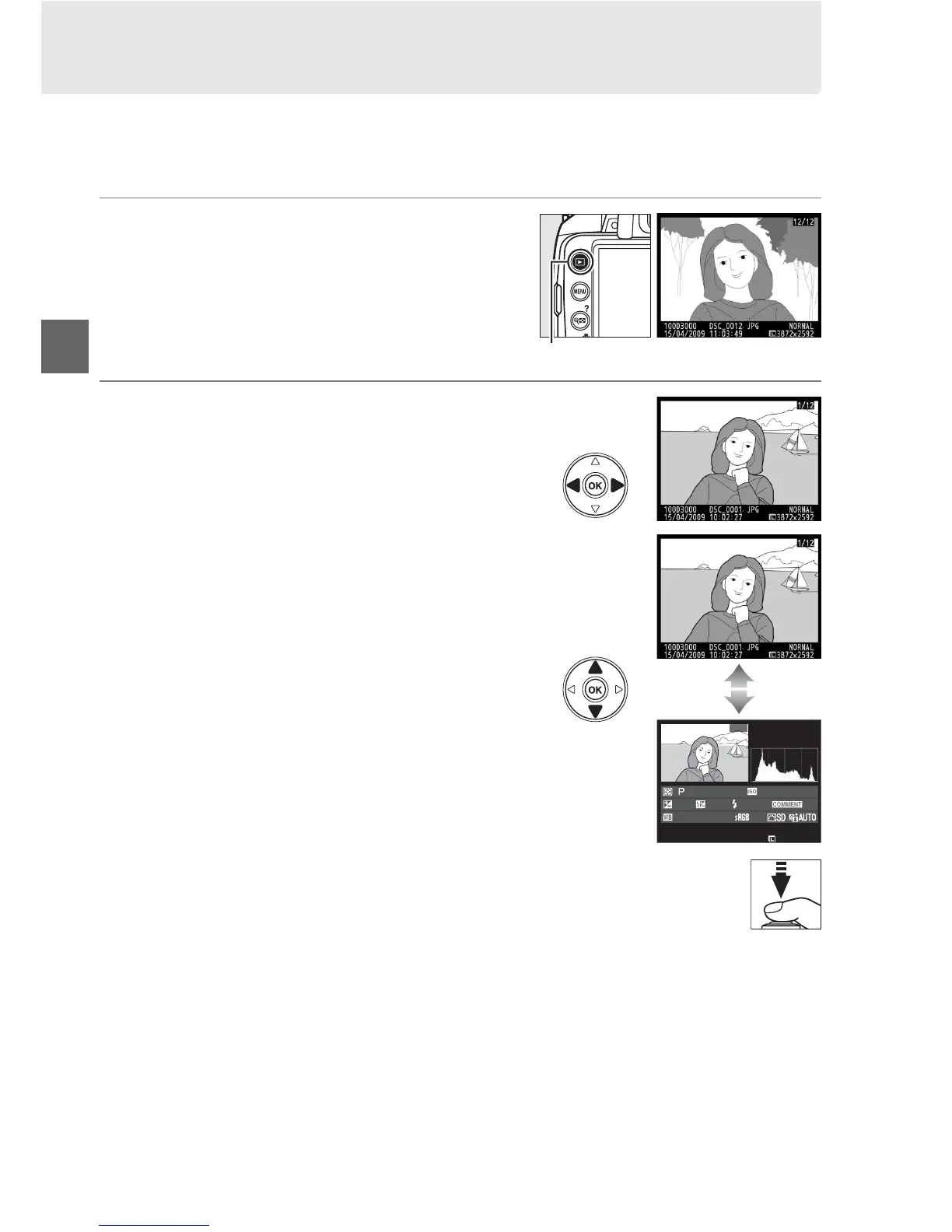
If no photograph is displayed in the monitor, the most recent picture can
be viewed by pressing the K button.
1 Press the K button.
A photograph will be displayed in the
monitor.
2 View additional pictures.
Additional pictures can be displayed by
pressing 4 or 2 or rotating the command
dial.
To view additional information on the
current photograph, press 1 and 3 (0 92).
To end playback and return to shooting
mode, press the shutter-release button
halfway.
K button
100D3000
D
S
C
_
0001. JP
G
1
/
250
F11
100
35
mm
15
/
04
/
2009 10
:
02
:
27
3872x2592



 To Next Page