44
z
AF-Area Mode
Choose how the focus point for autofocus is selected.
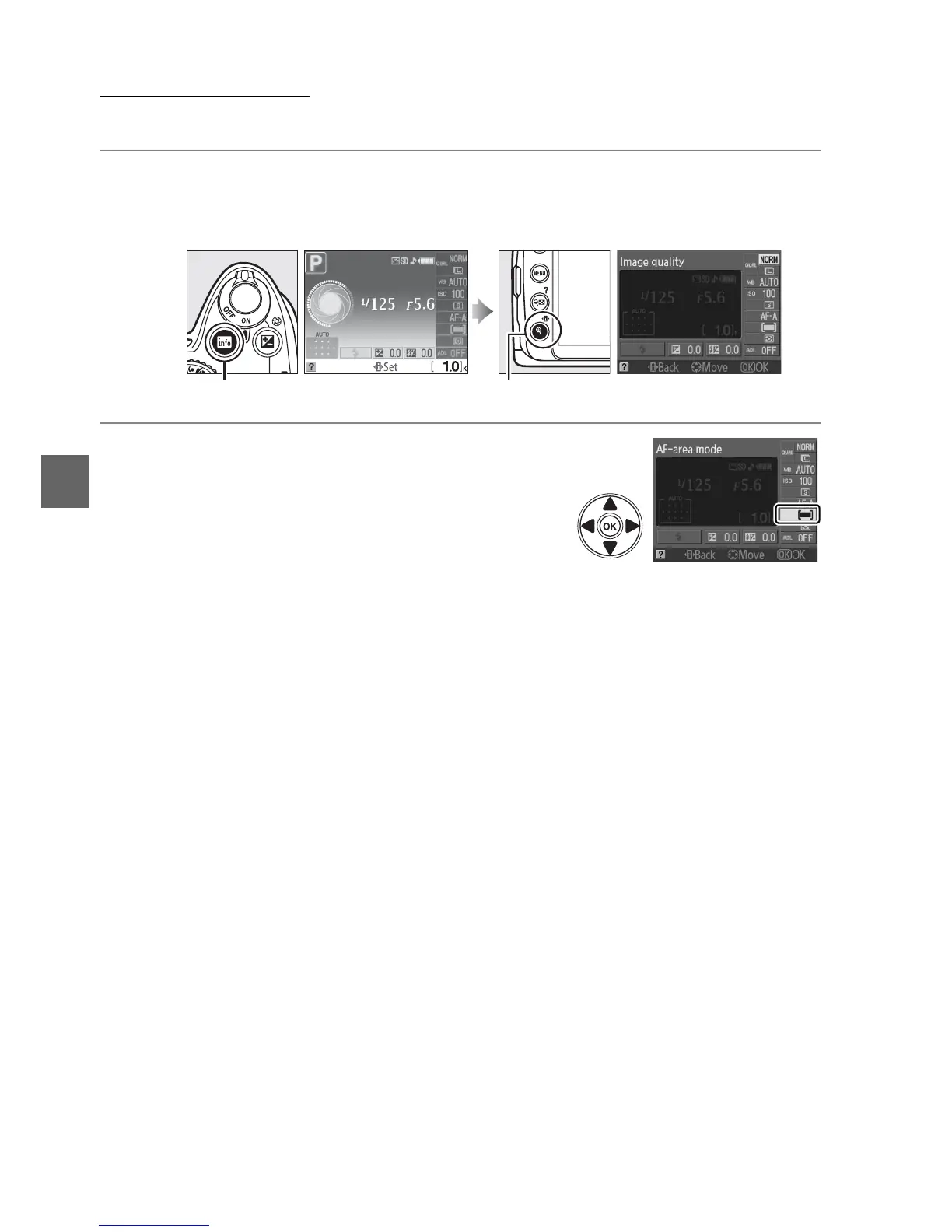
1 Place the cursor in the information display.
If shooting information is not displayed in the monitor, press the R button.
Press the P button to place the cursor in the information display.
2 Display AF-area mode options.
Highlight the current AF-area mode in the
information display and press J.
R button Information display P button



 To Next Page