41
z
z
More on Photography (All Modes)
Focus can be adjusted automatically or manually (see “Focus Mode,” below).
The user
can also select the focus point for automatic or manual focus (0 46) or use focus lock
to focus to recompose photographs after focusing (0 46).
Focus Mode
Choose from automatic and manual focus modes.
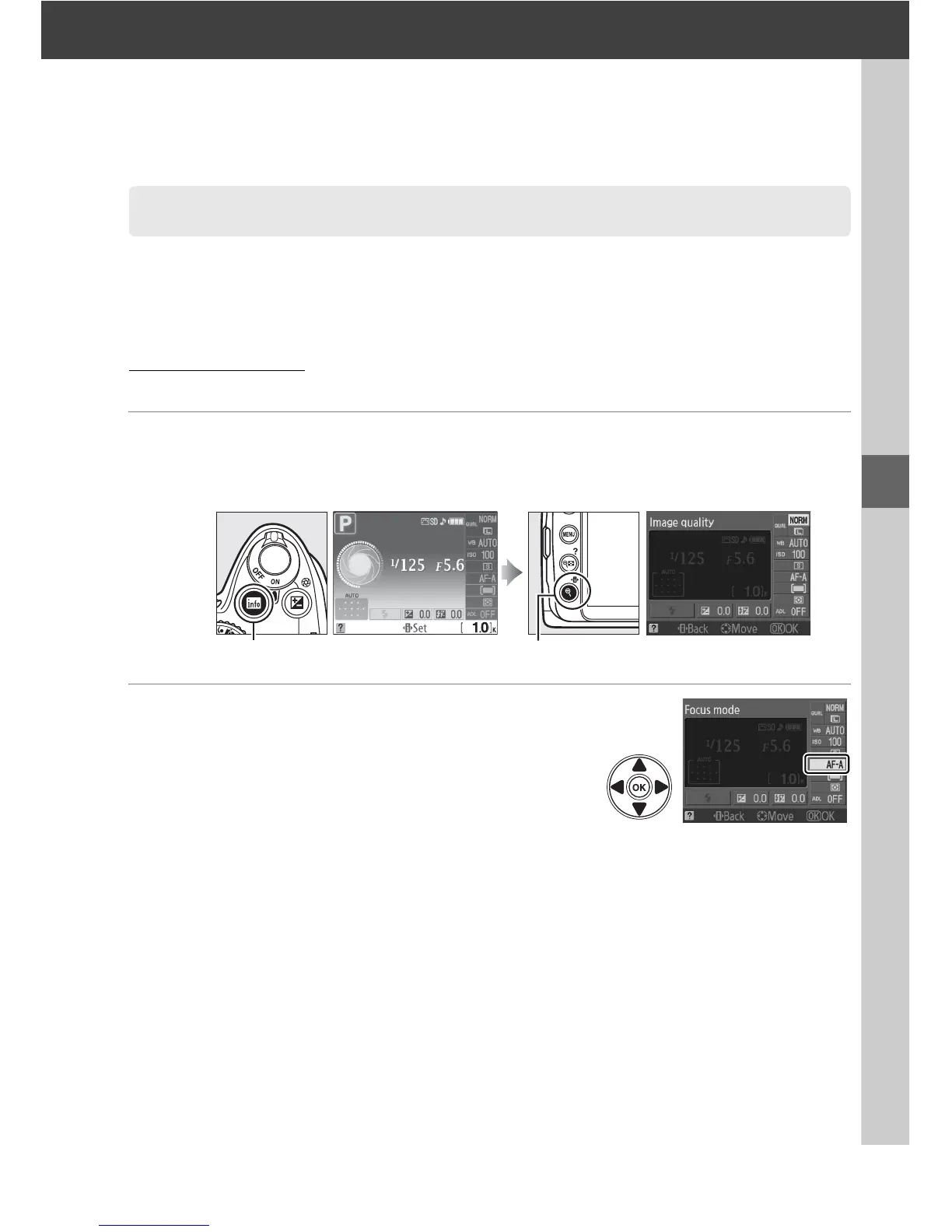
1 Place the cursor in the information display.
If shooting information is not displayed in the monitor, press the R button.
Press the P button to place the cursor in the information display.
2 Display focus-mode options.
Highlight the current focus mode in the
information display and press J.
Focus
R button Information display P button



 To Next Page