75
t
Autoexposure Lock
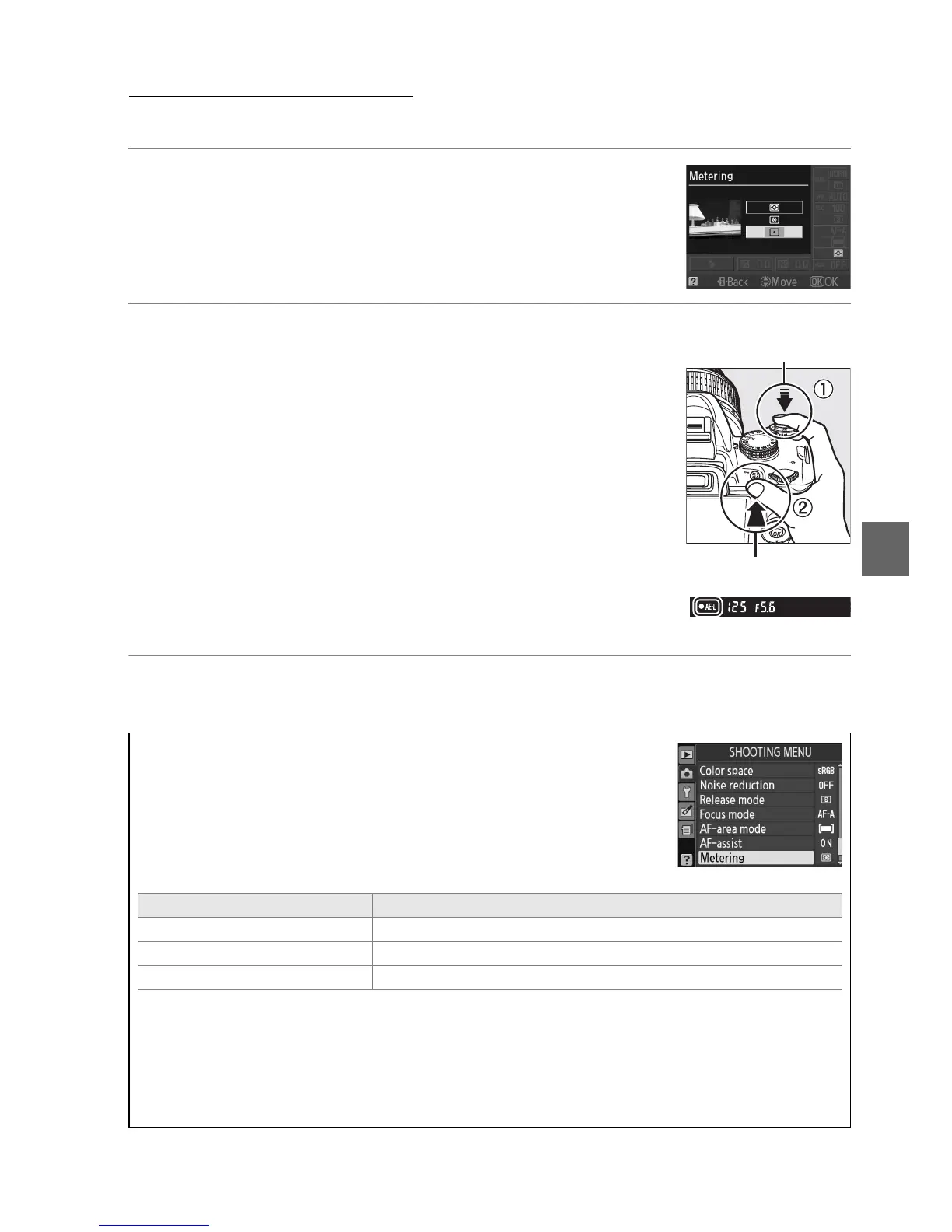
Use autoexposure lock to recompose photographs after metering exposure:
1 Select M Center-weighted or N Spot metering
(0 74).
L Matrix metering will not produce the desired results.
2 Lock exposure.
Position the subject in the selected focus point and press
the shutter-release button halfway.
With the shutter-
release button pressed halfway and the subject positioned
in the focus point, press the AE-L/AF-L button to lock focus
and exposure.
While exposure lock is in effect, an AE-L indicator will
appear in the viewfinder.
3 Recompose the photograph.
Keeping the AE-L/AF-L button pressed, recompose the photograph and shoot.
A The Shooting Menu
Metering can also be adjusted using the Metering option in the
shooting menu (0 119).
A Adjusting Shutter Speed and Aperture
While exposure lock is in effect, the following settings can be
adjusted without altering the metered value for exposure:
Mode Setting
Programmed auto Shutter speed and aperture (flexible program; 0 68)
Shutter-priority auto Shutter speed
Aperture-priority auto Aperture
The metering method itself can not be changed while exposure lock is in effect.
A See Also
If On is selected for Buttons > AE lock in the setup menu (0 135), exposure will lock when
the shutter-release button is pressed halfway.
For information on changing the role of the
AE-L/AF-L button, see Buttons > AE-L/AF-L.
Shutter-release
button
AE-L/AF-L button



 To Next Page