153
u
❚❚ Viewing Stop-Motion Movies
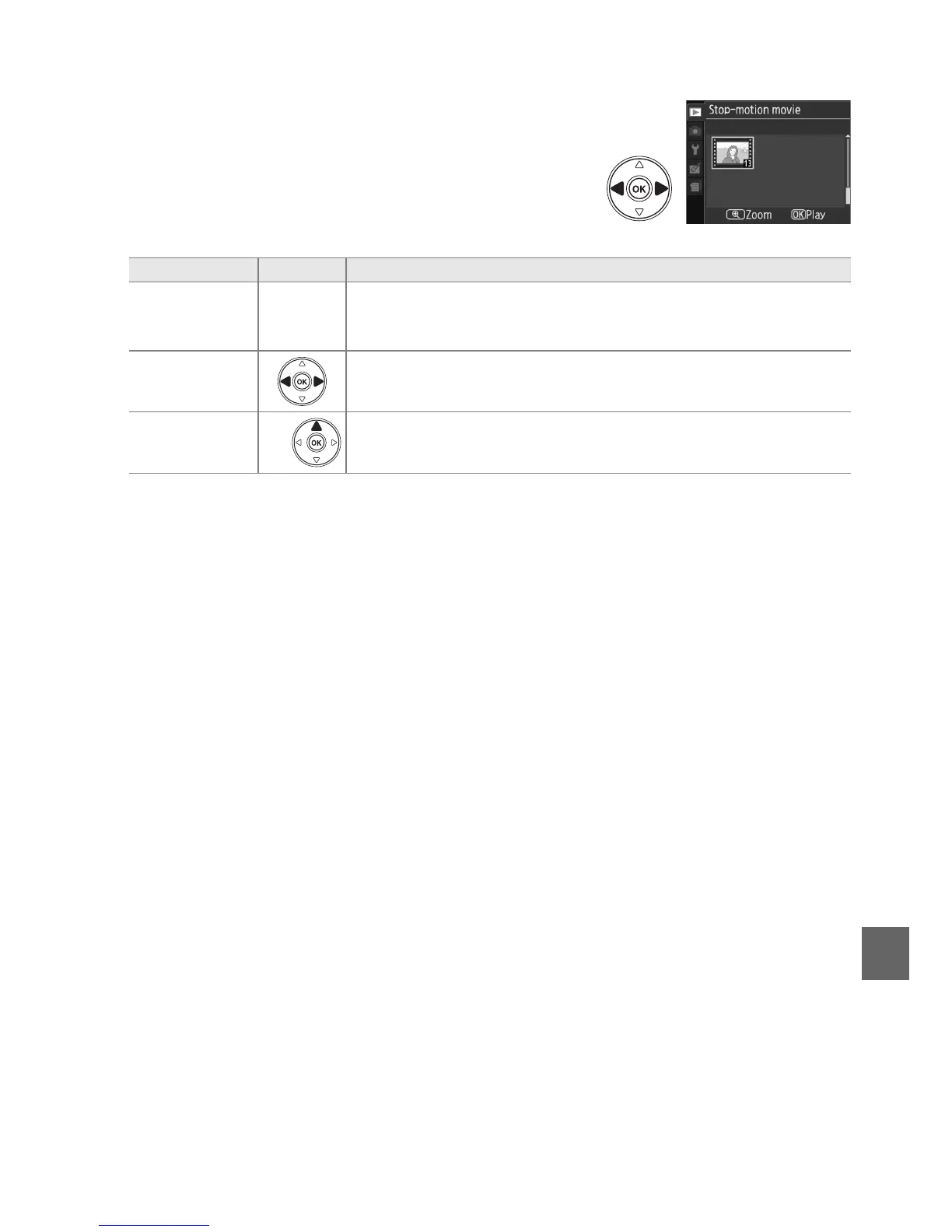
To view stop-motion movies, select the Stop-motion
movie option in the playback menu (0 117).
A list of
existing stop-motion movies will be displayed; press
4 and 2 to highlight a movie and press J to begin
playback.
The following operations can be performed
while playback is in progress:
To Press Description
Start/pause/
resume
J
Press J to start, pause, or resume playback.
Playback ends
automatically if no operations are performed for about three
minutes while movie is paused.
Rewind/
advance
Press 4 or 2 to rewind or fast forward. While playback is paused,
press 4 or 2 to rewind or advance one frame.
Return to full-
frame playback
Press K or 1 to exit to full-frame playback.
K/



 To Next Page