7
X
❚❚ Changing Settings in the Information Display
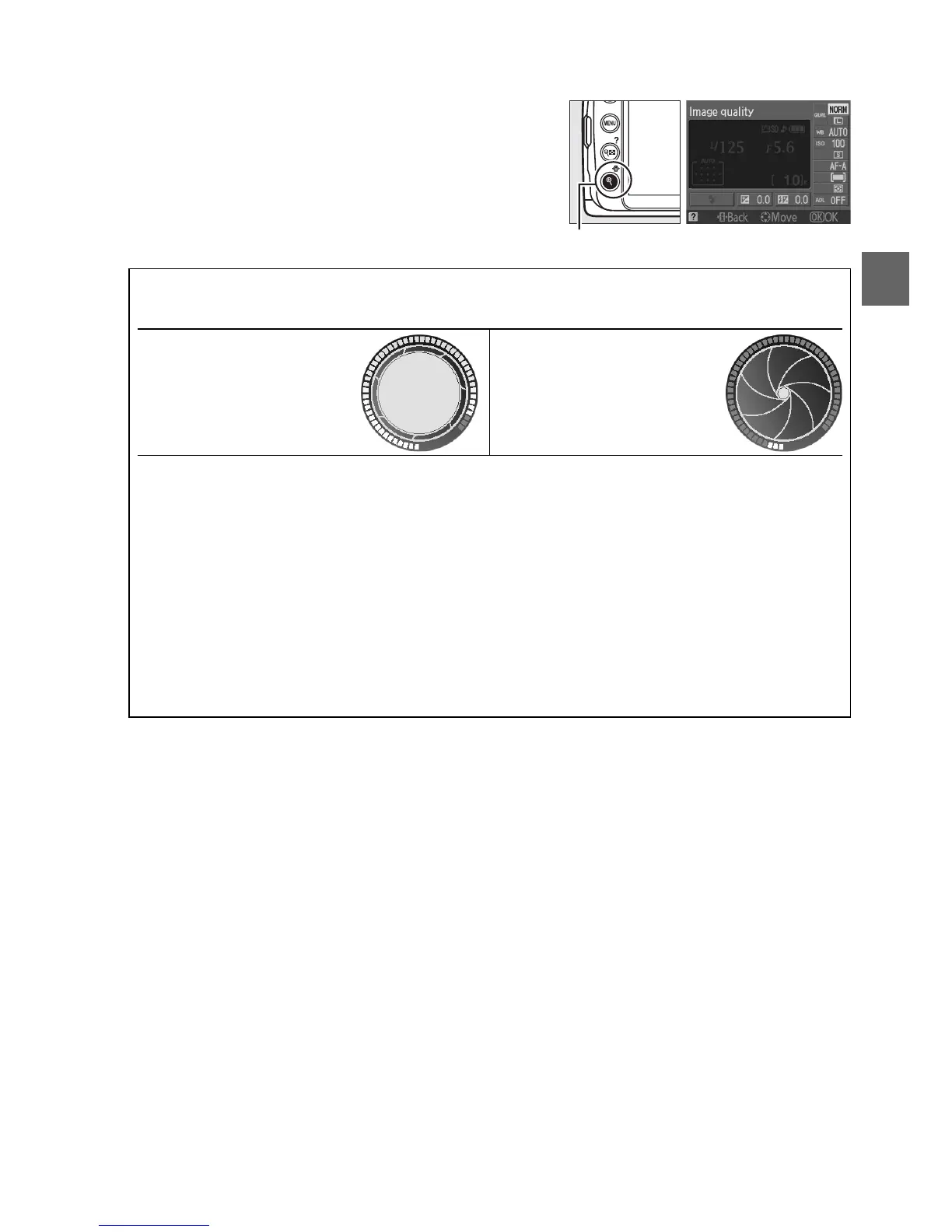
To change settings for the items listed in the
information display, press the P button.
Highlight items using the multi selector and press
J to view options for the highlighted item.
Some
items can also be adjusted using the command
dial and camera buttons (0 8).
A The Shutter-Speed and Aperture Displays
These displays provide visual indications of shutter speed and aperture.
Fast shutter speed, large
aperture (small f-number).
Slow shutter speed, small
aperture (large f-number).
While the mode dial is rotated, this display is replaced by an image of the mode dial.
A Turning the Monitor Off
To clear information from the display, press the R button again.
Note that the monitor turns
off automatically while the shutter-release is pressed or if no operations are performed for
8 s (the default value).
The information display can be restored by pressing the R button.
A See Also
For information on choosing how long the monitor stays on, see Auto off timers (0 130).
For information on choosing a design for the information display, see Info display format,
(0 125).
For information on choosing whether information is displayed when the shutter-
release button is pressed; see Auto info display (0 127).
P button



 To Next Page