948
B
The Setup Menu: Camera Setup
❚❚
Send Folder
Select folders for upload. All photos in the selected folders
(including those already marked as “sent”) will be marked for
upload.
Movies cannot be uploaded using this option. They must
instead be uploaded from the playback display.
❚❚
Deselect All?
Remove transfer marking from all pictures. Upload of images
with a “sending” icon will immediately be terminated.
❚❚
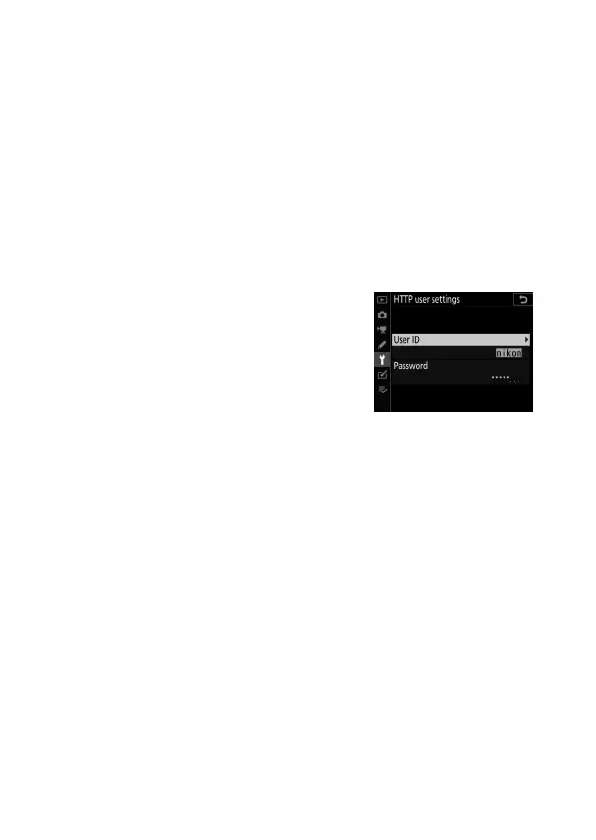
HTTP User Settings
Enter a user name and password for
connection to an http server (http server
connections only).



 To Next Page