308
Using Two Memory Cards
Other Shooting Options
To choose the role played by the memory card in Slot 2 when
two memory cards are inserted, select [Role played by card in
Slot 2] in the photo shooting menu.
Using Two Memory Cards
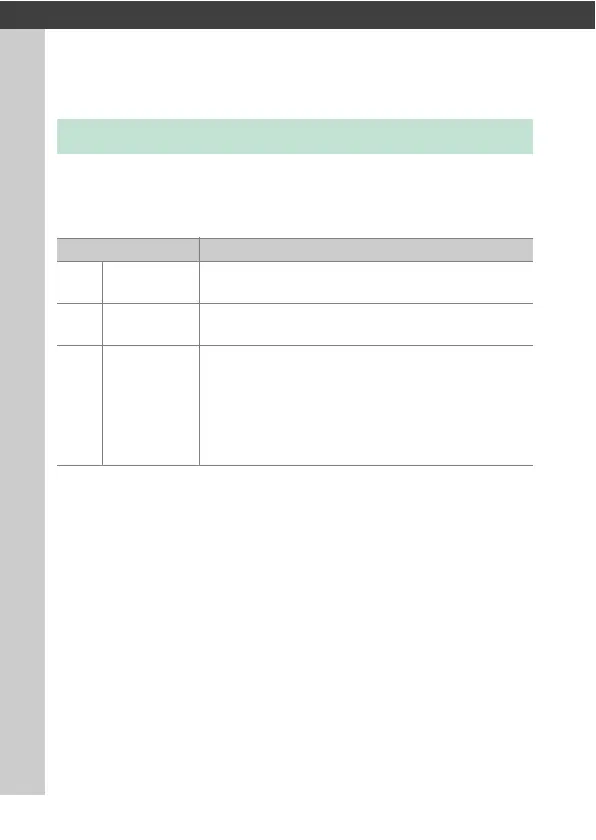
Option Description
P
[Overflow]
The card in Slot 2 is used only when the card in
Slot 1 is full.
Q
[Backup]
Each picture is recorded twice, once to the card in
Slot 1 and again to the card in Slot 2.
R
[RAW Slot 1 -
JPEG Slot 2]
•
NEF (RAW) copies of photos taken at settings of
NEF (RAW) + JPEG are recorded only to the card
in Slot 1, JPEG copies only to the card in Slot 2.
•
Pictures taken at other image quality settings
are recorded twice at the same setting, once to
the card in Slot 1 and again to the card in Slot 2.



 To Next Page