120
The
T
Button
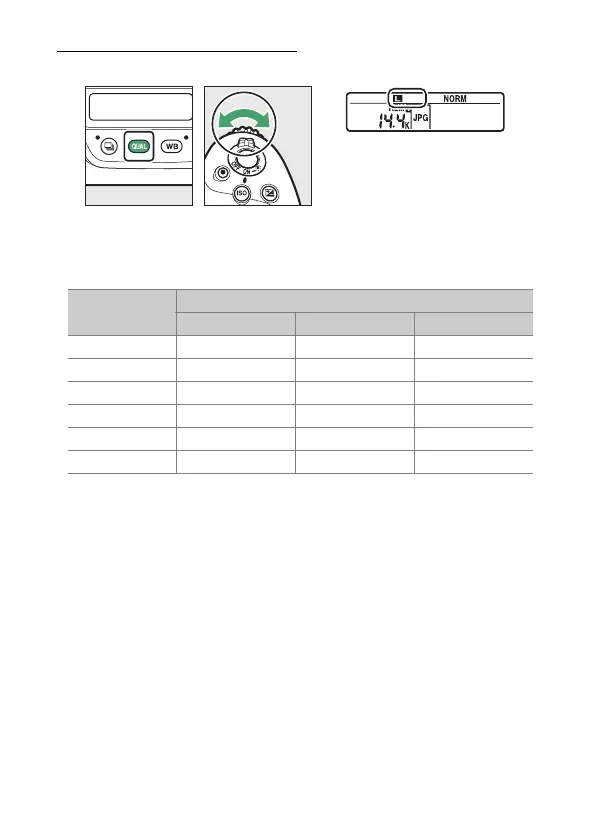
Choosing an Image Size
Hold the
T
button and rotate the sub-command dial.
•
Choose from [Large], [Medium], and [Small]; the selected
option applies to JPEG photos. The physical dimensions of the
photos in pixels varies with image area.
•
The size of NEF (RAW) images can be selected using the
[Image size] > [NEF (RAW)] item in the photo shooting menu.
Image area
Image size
[Large] [Medium] [Small]
[FX (36×24)] 5568×3712 4176×2784 2784×1856
[1.2× (30×20)] 4640×3088 3472×2312 2320×1544
[DX (24×16)] 3648×2432 2736×1824 1824×1216
[5:4 (30×24)] 4640×3712 3472×2784 2320×1856
[1:1 (24×24)] 3712×3712 2784×2784 1856×1856
[16:9 (36×20)] 5568×3128 4176×2344 2784×1560



 To Next Page