77
Uploading Pictures
You can upload your pictures to smartphones or tablets (smart
devices) or computers. Options for doing so are listed below.
For more information, see the following in the Reference
Manual: “Connecting to Computers and TVs” (
0
445), “Built-in
Wireless” (
0
457), and “Ethernet/WT-6” (
0
514).
Uploading Pictures to Smart Devices
Use the SnapBridge app to upload pictures using the
camera’s built-in Wi-Fi or Bluetooth.
Uploading Pictures to a Computer
or FTP Server
Several options are available for uploading pictures to
computers.
❚❚
Built-in Wi-Fi
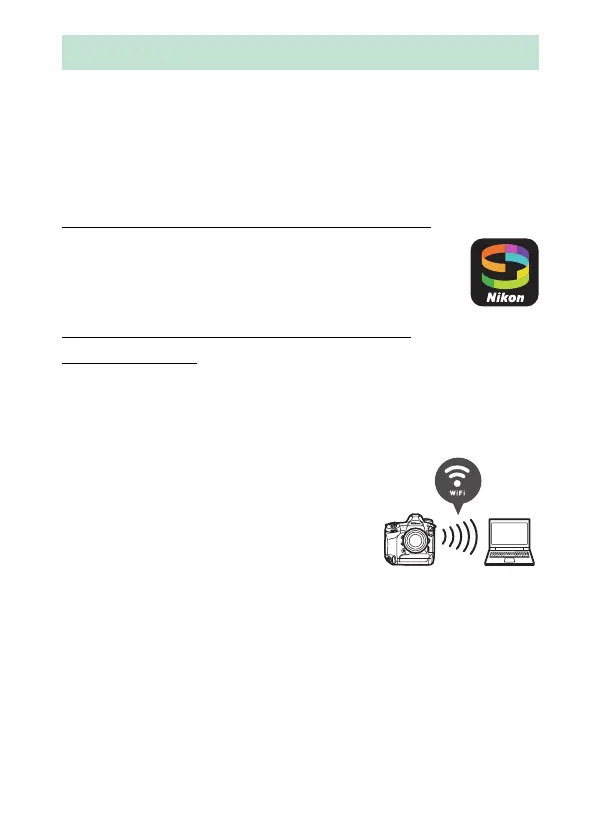
Use the camera’s built-in Wi-Fi to upload
pictures to a computer via a wireless
connection.
Uploading Pictures



 To Next Page