522
Creating a Network Profile (Ethernet)
Before connecting the camera to a computer or ftp server in
[Image transfer], [FTP upload], [Camera control], or [HTTP
server] mode, you will need to create a network profile.
•
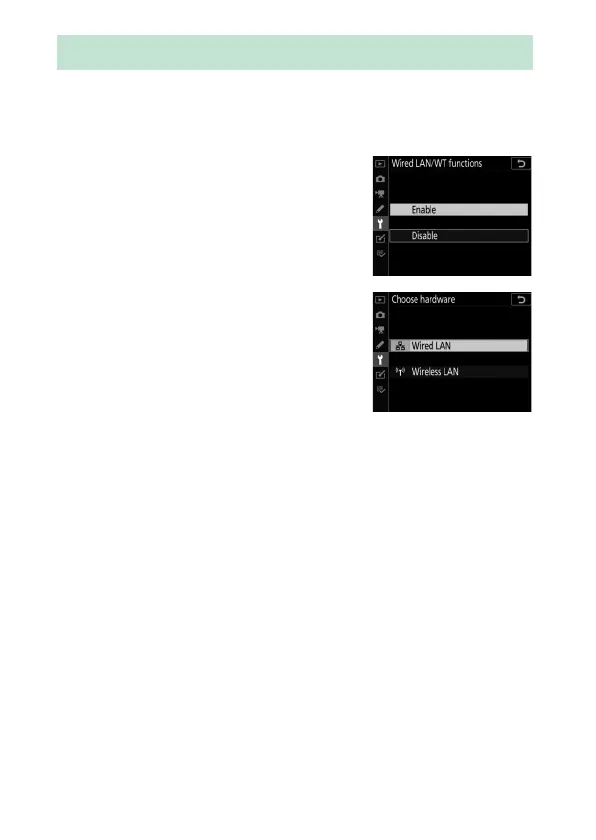
Before creating a network profile,
select [Enable] for [Wired LAN/WT] >
[Wired LAN/WT functions] in the
setup menu.
•
Select [Wired LAN] for [Wired LAN/
WT] > [Choose hardware] in the setup
menu.
•
For information on creating network profiles
for use when connecting to wireless LANs using the WT-6, see
“Creating Network Profiles (WT-6)” (
0
544).
Creating a Network Profile (Ethernet)



 To Next Page