461
Connecting to Smart Devices
Connecting via Wi-Fi (Wi-Fi Mode)
D
Before Connecting
•
Enable Wi-Fi on the smart device. For details, see the documentation
provided with the device.
•
Ensure that the batteries in the camera and smart device are fully
charged to prevent the devices turning off unexpectedly.
•
Check that there is space available on the camera memory card.
1
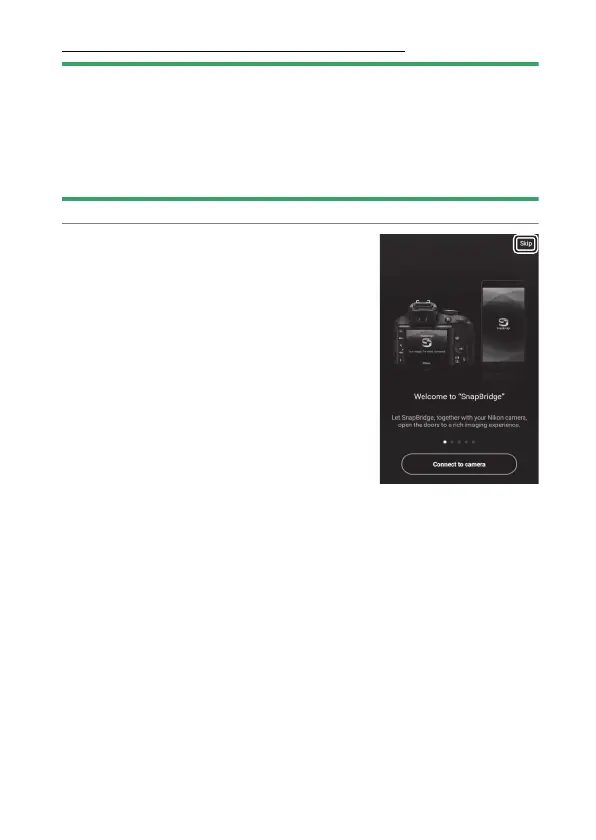
Smart device: Launch the
SnapBridge app.
If this is the first time you have
launched the app, tap [Skip]. If you
have launched the app before, you
can instead proceed to Step 2.



 To Next Page