633
Synchronizing Camera Clocks
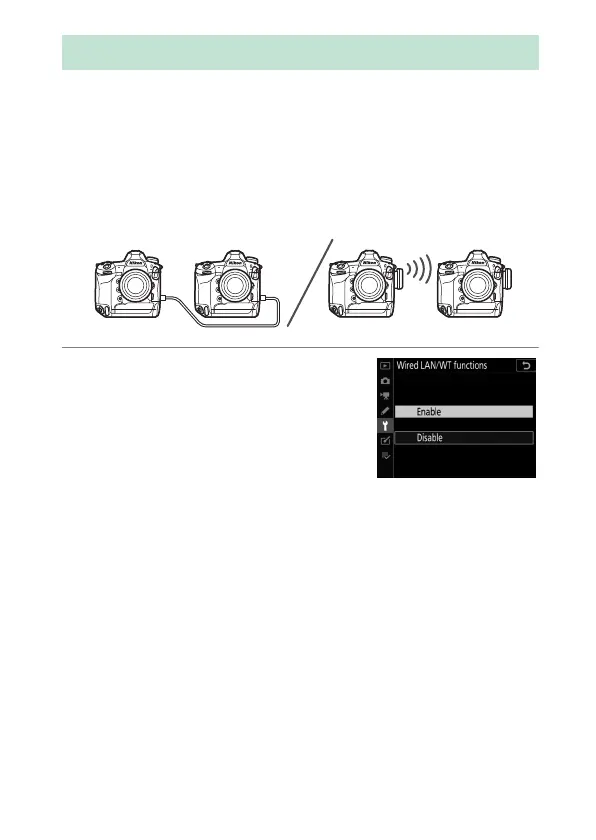
Synchronize the clocks on two cameras via a network. The clock
on one camera (the “remote camera”) is set to the time on the
other (the “master camera”). The changes apply to all options in
the setup menu [Time zone and date] display.
•
The cameras can connect via Ethernet or by WT-6 wireless
transmitters attached to both cameras.
1
Select [Enable] for [Wired LAN/
WT] > [Wired LAN/WT
functions] in the setup menu.
Repeat this step for the second
camera.
Synchronizing Camera Clocks



 To Next Page