571
Creating Network Profiles (WT-6)
FTP Upload Mode
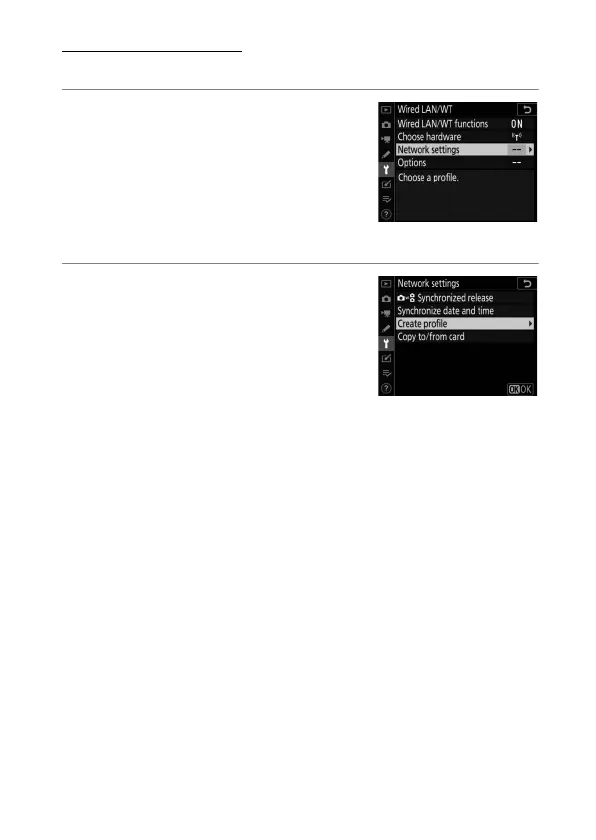
Follow the on-screen instructions to create a network profile.
1
In the setup menu, select
[Wired LAN/WT], then
highlight [Network settings]
and press
2
.
The camera will display a list of
network profiles.
2
Highlight [Create profile] and
press
2
.
•
You will be prompted to choose
between the connection wizard
and manual setup.
•
Note that [Create profile] will not
be available if the profile list already contains nine profiles.
Before creating a new profile, you must first delete an
existing profile using the
O
(
Q
) button.



 To Next Page