598
Camera Control
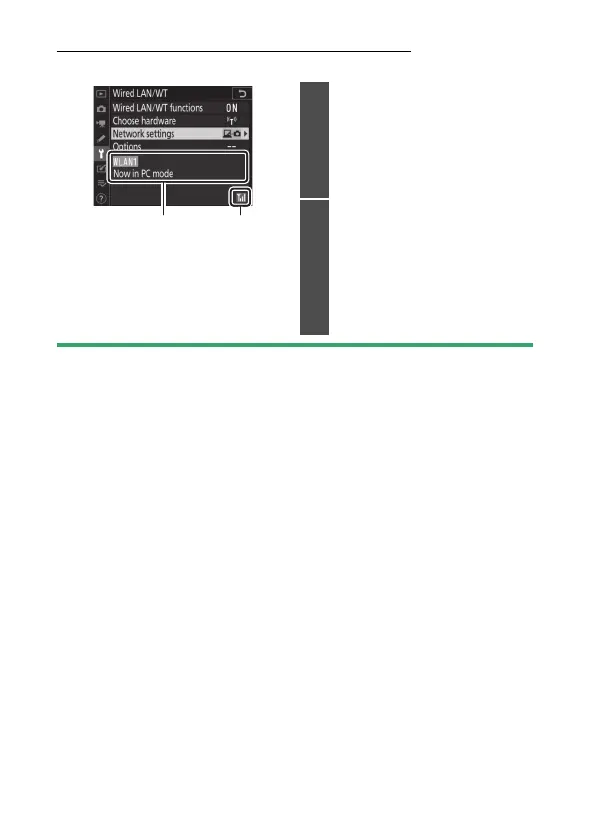
The [Wired LAN/WT] Status Display
The [Wired LAN/WT] display shows the following:
D
Loss of Signal
Loss of signal while the camera is connected to a wireless network may
interrupt upload and disrupt the connection to Camera Control Pro 2. If
the camera network indicator flashes amber, disable and re-enable the
network connection by selecting first [Disable] and then [Enable] for
[Wired LAN/WT functions]. When the signal is re-established, the camera
will reconnect to Camera Control Pro 2 and resume upload of any images
that have yet to be transferred. Note that upload cannot be resumed if
you turn the camera off before transfer is complete.
12
1
Status: The status of the
connection to the host. The
profile name is displayed in
green. Errors and error codes
are also displayed here
(
0
636).
2
Signal strength: Ethernet
connections are shown by
%
.
When the camera is
connected to a wireless
network, the icon instead
shows the wireless signal
strength.



 To Next Page