597
Camera Control
2
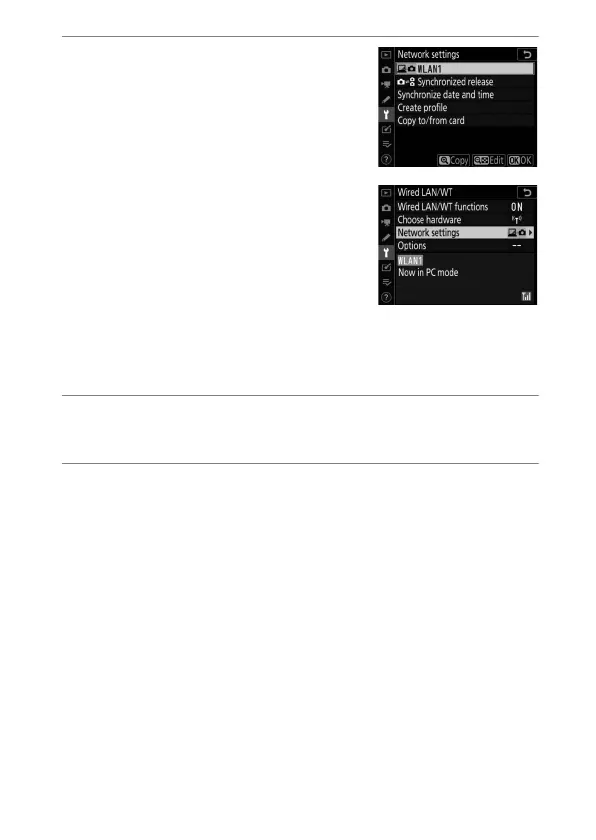
Choose a camera control
profile in the [Network
settings] display.
•
Camera control profiles are
indicated by a
L
icon.
•
When you press
J
, the camera will
exit to the [Wired LAN/WT] display
and initiate the connection. The
network name will be shown in
green in the [Wired LAN/WT]
display once a connection is
established.
•
If the network name is not displayed in green, connect
using the computer’s wireless network settings.
3
Launch the copy of Camera Control Pro 2 installed
on the host computer.
4
Control the camera using Camera Control Pro 2.
For information on taking pictures using Camera Control
Pro 2, see the Camera Control Pro 2 manual or online help.



 To Next Page