88
The
i
Button (the
i
Menu)
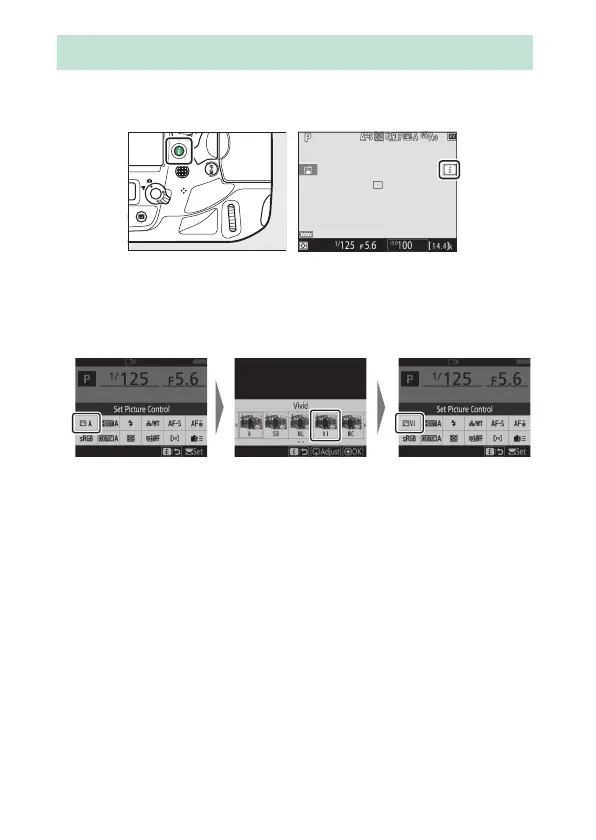
For quick access to frequently-used settings, press the
i
button
or tap the
i
icon in the live-view display to view the
i
menu.
•
Highlight items using the multi selector and press the center
of the multi selector to view options. Highlight the desired
option and press the center of the multi selector to select and
return to the
i
menu.
•
To cancel and return to the previous display, press the
i
button.
•
Different menus are displayed during viewfinder
photography, live view, and movie recording.
The
i
Button (the
i
Menu)



 To Next Page