15
Parts of the Camera
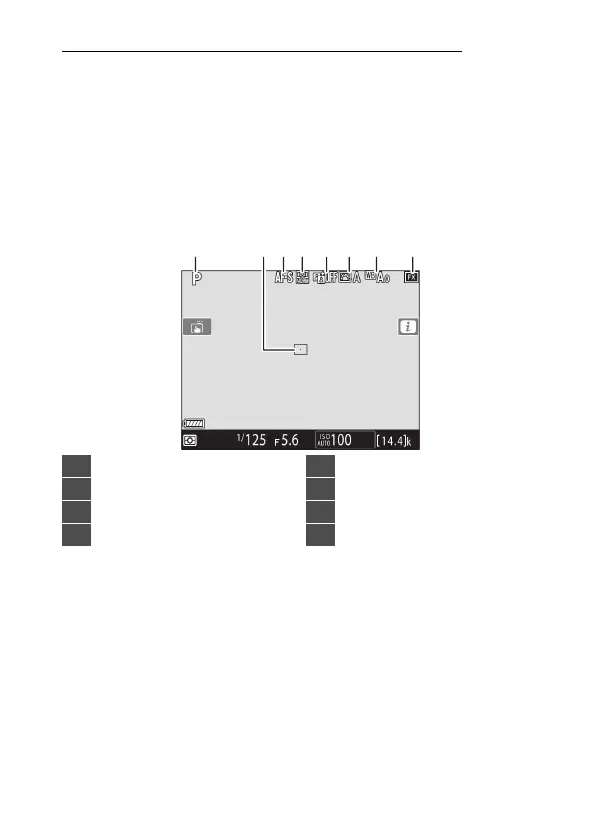
The Live View Displays (Photos/Movies)
Press the
a
button to display the view through the lens in the
monitor. Rotate the live view selector to
C
to take photographs
or to
1
to record movies.
❚❚
Live View Photography
The following indicators appear in the monitor at default
settings. For a full list of the indicators that may be displayed,
see “Camera Displays” (
0
1029) in “Technical Notes”.
1 2 843 56 7
1
Exposure mode (
0
108, 151)
2
Focus point (
0
164)
3
Autofocus mode (
0
98, 151)
4
AF-area mode (
0
101, 160)
5
Active D-Lighting (
0
281)
6
Picture Control (
0
125, 271)
7
White balance (
0
121, 221)
8
Image area (
0
136)



 To Next Page