211
Choosing the Operation Performed When the Shutter Is Released (Release Mode)
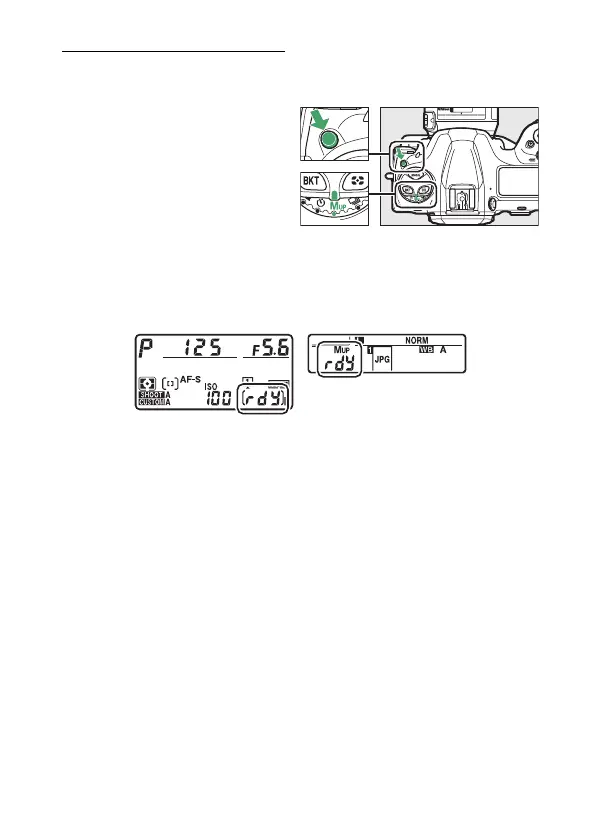
Mirror Up Mode (MUP)
Choose this mode to minimize blurring caused by vibrations
produced as the mirror is raised.
•
Hold the release mode dial
lock release and rotate the
release mode dial to MUP
(mirror up).
•
After pressing the shutter-release button halfway to set focus
and exposure, press the shutter-release button the rest of the
way down to raise the mirror.
Z
will be displayed in the
control panels.
•
Press the shutter-release button all the way down a second
time to take the picture.



 To Next Page