210
Choosing the Operation Performed When the Shutter Is Released (Release Mode)
3
Start the timer.
•
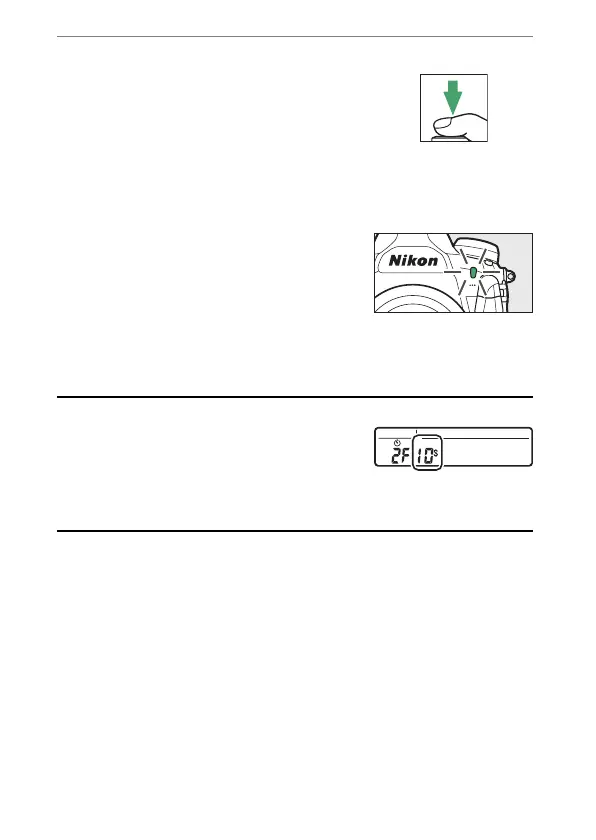
Press the shutter-release button all
the way down to start the timer; the
shutter will be released after about
10 seconds, during which the self-
timer lamp will at first flash for
approximately 8 seconds and then light for roughly 2
seconds.
•
To turn the self-timer off before a
photograph is taken, turn the
release mode dial to another
setting.
•
The timer duration, the number of shots taken, and the
interval between shots can be selected using Custom
Setting c3 [Self-timer].
A
Setting the Timer
To choose the timer duration, press and hold
the
S
button and rotate a command dial to
choose from values of 20, 10, 5, or 2 seconds.
The selected option is displayed in the rear
control panel.



 To Next Page